Skip to content
Browserbase
    • Primitives
      • BrowsersCloud browsers for your agent to use the web
      • AgentsScale fully managed browser agents with simple prompts
      • SearchFind relevant websites from a single query
      • FetchRetrieve web data as agent-ready HTML, JSON, or markdown
      • RuntimeScalable, sandboxed environments for agent deployments
      • IdentityAuthenticate your agent to navigate the web like a human
      • ModelsUse any model with a single API key
      • ObservabilityUnified debugging your agent across replays, logs, and prompts
    • Open Source
      • Browse CLIGive your agent browsing skills with a single command
      • StagehandThe most popular AI browser automation framework
    • Use Cases
      • Browser Agents
      • Automated Testing
      • Workflow Automation
      • Web Data Extraction
      All use cases
    • Industries
      • AI & Agent Platforms
      • Healthcare
      • Fintech
      • GTM
      • Legal
    • Resources
      • Blog
      • Customers
      • Enterprise
      • Templates
  • Pricing
  • Docs
  • Log in
Log in
Sign up
Get a demo

Flight price scraper that doesn't get grounded

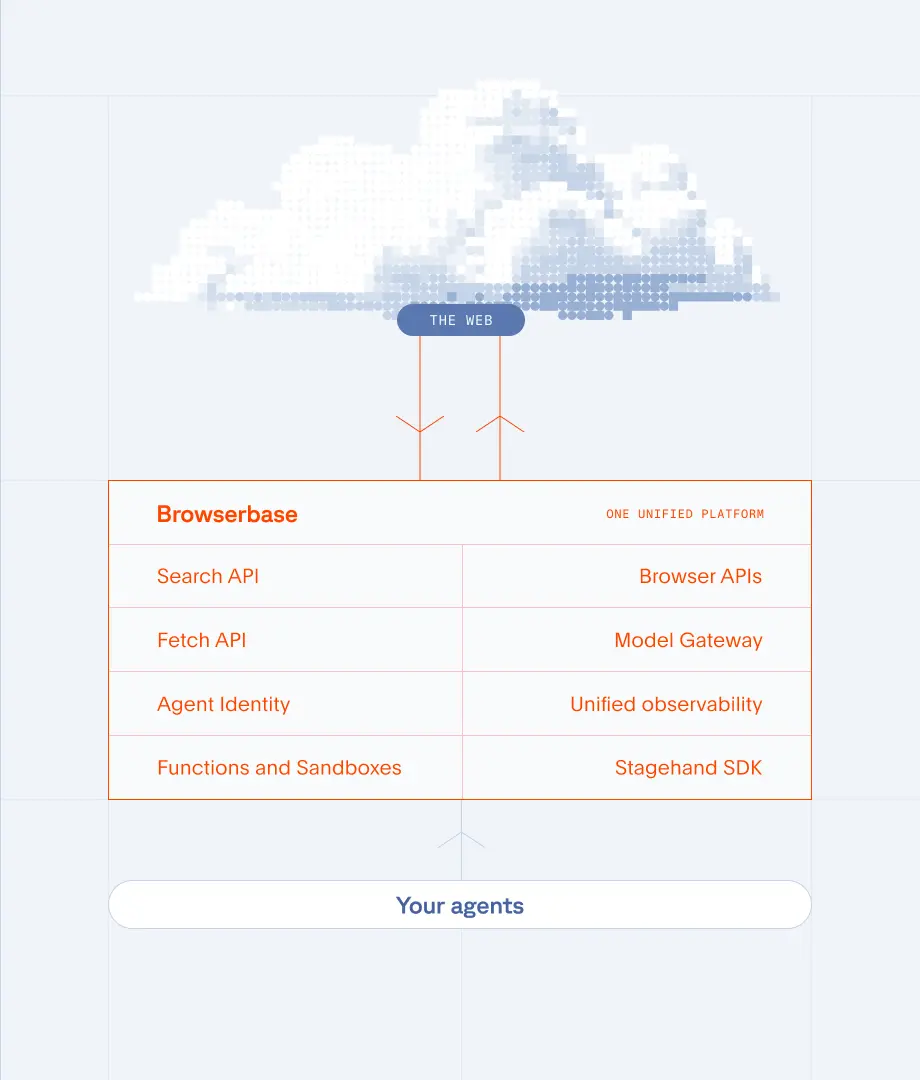
Travel aggregators were not built for agents. Browserbase runs real browsers that pull live flight prices, schedules, and seat availability from them. Geolocated, persistent, and built to scale. Built on infrastructure that runs 35m+ browser sessions a month.
Get Started
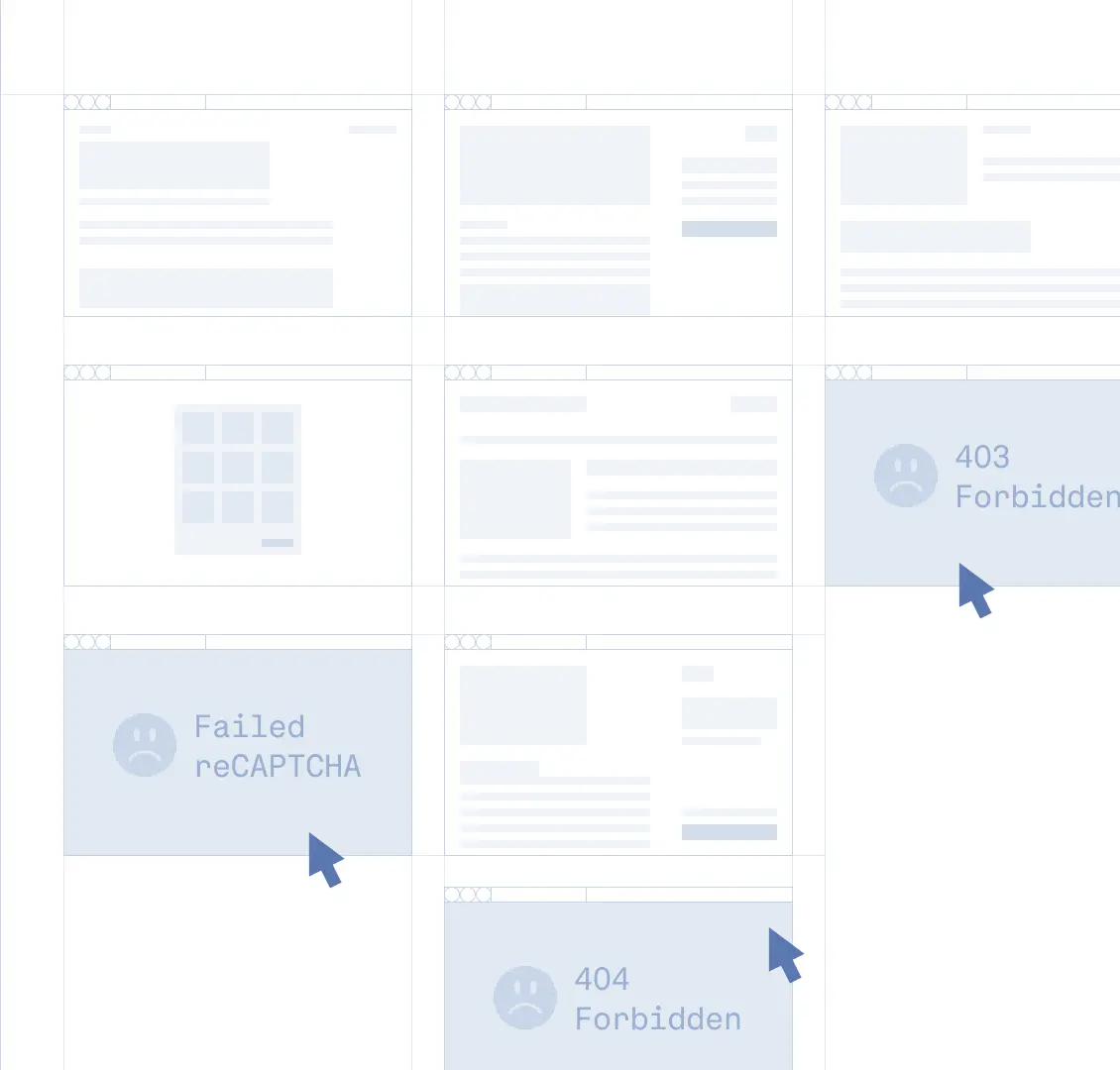
Browser blocked from accessing flight site

The Problem

Why flight scraping breaks

  • Travel sites render prices through heavy JavaScript and dynamic search forms.
  • Fares change based on the visitor’s location, currency, and prior session history.
  • Aggressive bot detection blocks scripted browsers within minutes.
  • Captchas and rate limits trigger as soon as you parallelize.
  • A single missed price or stale itinerary breaks every downstream model.
Browserbase platform running concurrent flight scraping sessions

The Solution

How Browserbase scrapes flight data reliably

  • Real browsers: execute every script and render prices the way a traveler sees them.
  • Geolocated proxies: check fares from any country or city, with the correct currency.
  • Verified: reach aggregator and OTA pages that turn away ordinary tooling, with no per-site tuning.
  • Agent Identity: Web Bot Auth signs your agent's requests, so aggregators can verify it instead of guessing.
  • Managed CAPTCHA solving: clear challenges without rotating providers or babysitting jobs.
  • Parallel sessions: check thousands of routes and dates concurrently in the cloud.

Data you can collect

Live fares

Real-time prices, fare classes, and price changes across cabins and currencies.

Schedules and routes

Departure and arrival times, layovers, durations, and operating airlines.

Seat availability

Inventory by cabin class, fare buckets, and remaining seats per segment.

Geolocated pricing

Same itinerary, scraped from different countries, to spot regional price gaps.

Templates
Templates to get you started

Scrape e-commerce products

Scrape e-commerce products

E-commerce

Search multiple e-commerce retailers simultaneously and extract structured product data including prices, descriptions, and availability.

View Template
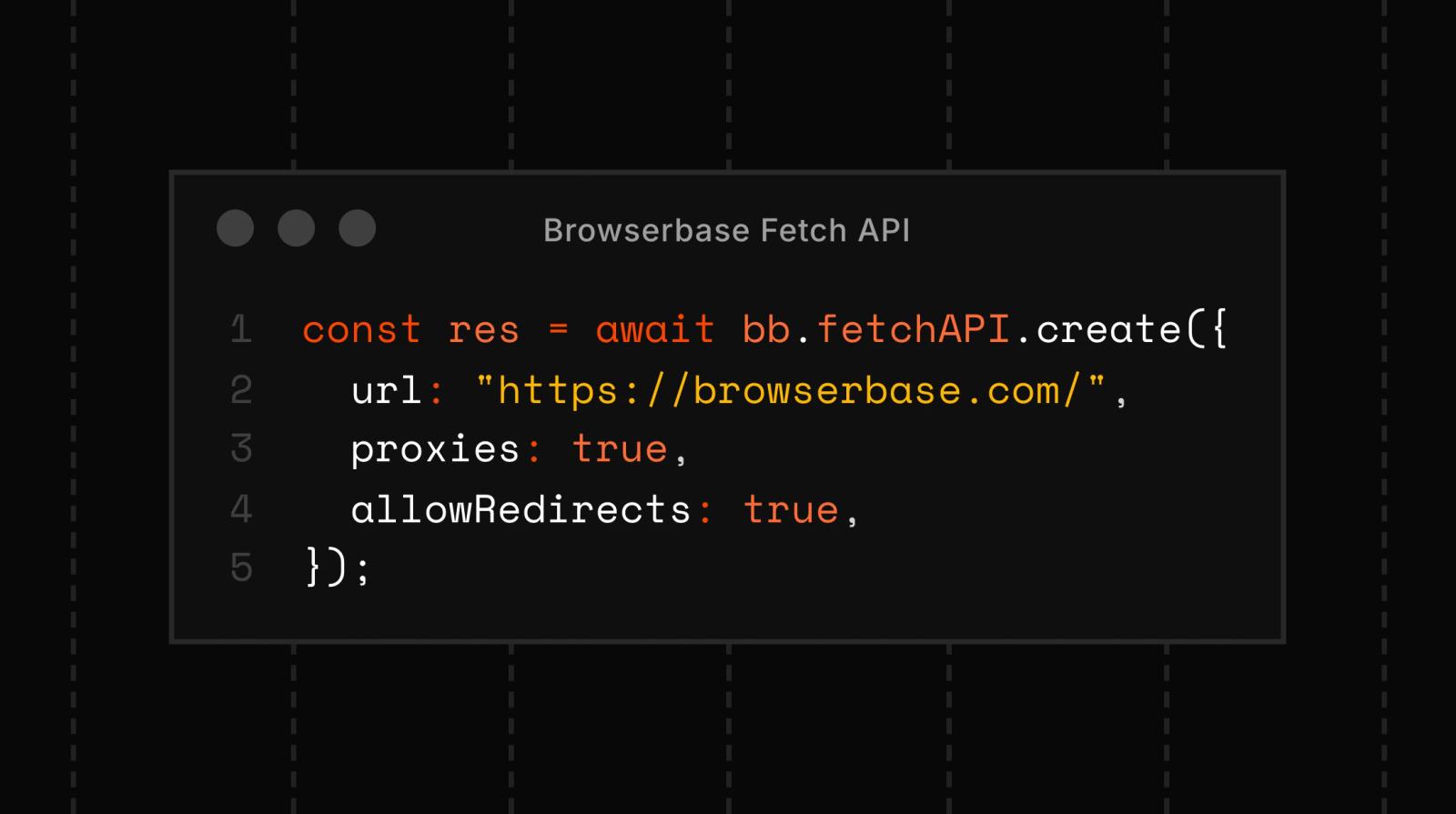
Smart fetch scraper with browser fallback

Smart fetch scraper with browser fallback

Web Automation, Fetch API

Scrape webpages with Fetch first, and a full browser session as fallback for JS-rendered pages.

View Template
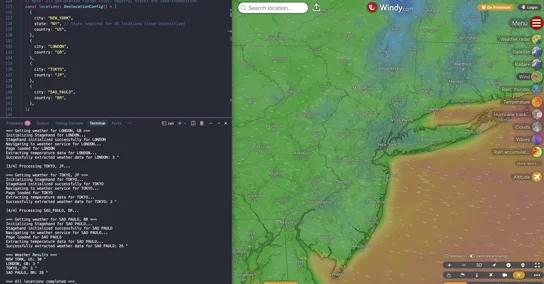
Scrape with geolocation proxies

Scrape with geolocation proxies

Proxies

Route browser automation traffic through specific geolocations to access region-specific content

View Template

Frequently Asked Questions

How do I scrape Google Flights?

Run a real browser through Browserbase, navigate to the flight search page, fill in your origin, destination, and dates, and extract the rendered results. JavaScript execution, CAPTCHA challenges, and Verified access are handled for you, so the same script keeps working without rotating tools.

Can you scrape flight prices legally?

It depends on the site’s terms of service and the jurisdiction you operate in. Public, non-authenticated flight data is generally less restricted than data behind a login, but you should review each site’s terms and consult counsel before deploying a scraper at scale. Browserbase provides the infrastructure, you decide what to collect.

Why do flight prices change based on location?

Airlines and aggregators price fares dynamically based on the visitor’s region, currency, and historical search behavior. To collect comparable data across markets, you need a real browser served through a proxy in the target geography. Browserbase’s geolocated proxies let you check fares from any country with the correct local currency.

How fast can I check thousands of routes?

Browserbase runs hundreds of browser sessions in parallel in the cloud. A typical flight scraping workload, thousands of origin and destination pairs across multiple dates, finishes in minutes instead of hours, with no infrastructure to manage on your side.

What tools work with Browserbase for flight scraping?

Browserbase exposes browsers over CDP, so any standard automation library works: Playwright, Puppeteer, Selenium, or Stagehand® for natural-language scripting. Pick the framework your team already uses and connect to a Browserbase session in two lines of code.

What will you build?

Get StartedGet Started
Browserbase

Primitives

  • Browsers
  • Web APIs
  • Runtime
  • Identity
  • Model Gateway
  • Observability
  • Stagehand
  • MCP

Industries

  • AI
  • Healthcare
  • GTM
  • Tax
  • Legal

Developers

  • Docs
  • Templates
  • APIs & SDKs
  • Changelog
  • Status
  • Github

Company

  • Careers
  • Customers
  • Partner with Us
  • Trust & Security

Community

TwitterLinkedinYoutube
  • Privacy Policy
  • Terms of Service

Community

TwitterLinkedinYoutube
  • Privacy Policy
  • Terms of Service