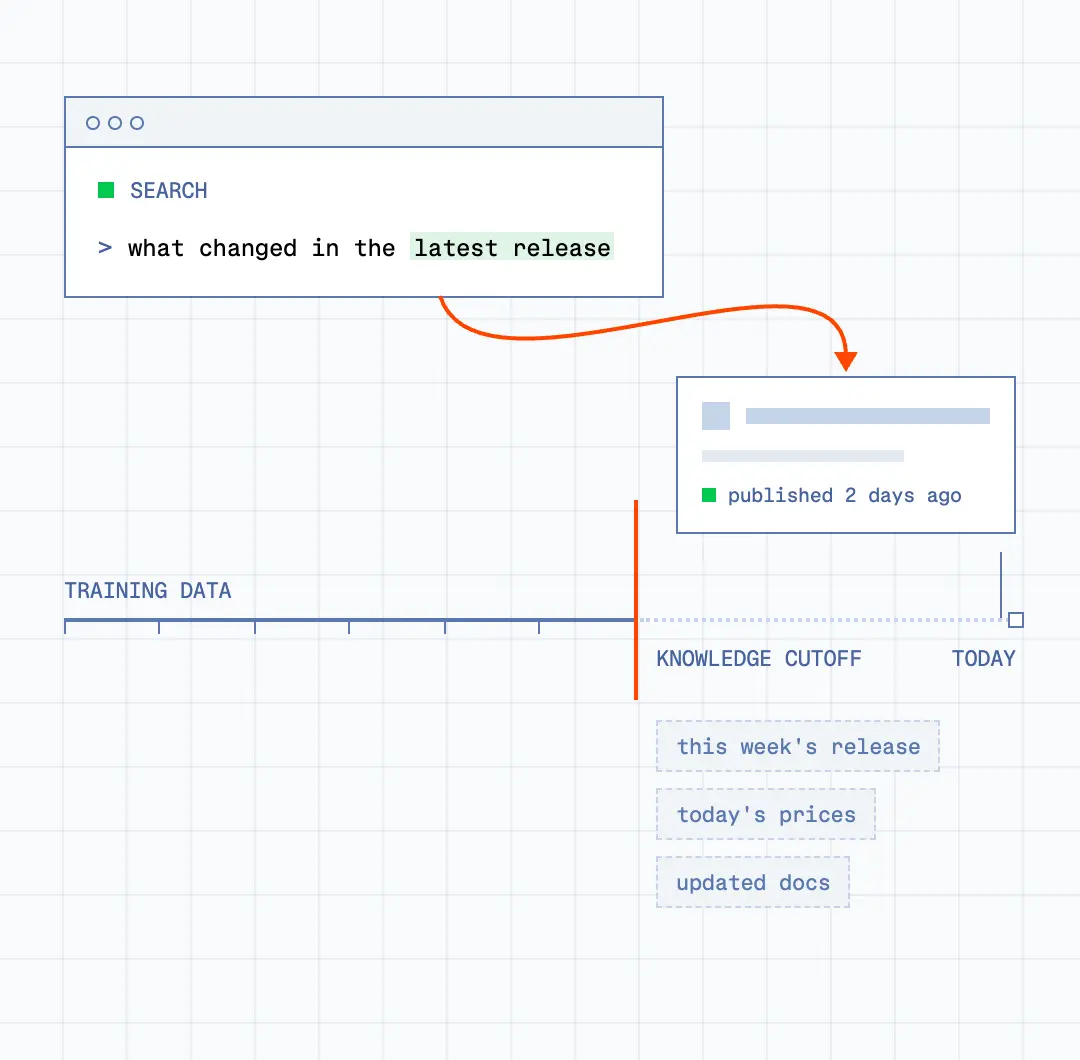
Past the knowledge cutoff
Anything that happened after training is invisible to your model: this week’s release, today’s prices, the docs that changed last month. Search lets your agent look it up instead of relying on memory.
Some agents need an answer in milliseconds, others need the whole web. Browserbase Search provides both as one API.
Every model has a knowledge cutoff. Search gives it the live web, in a form it can reason over.
Anything that happened after training is invisible to your model: this week’s release, today’s prices, the docs that changed last month. Search lets your agent look it up instead of relying on memory.
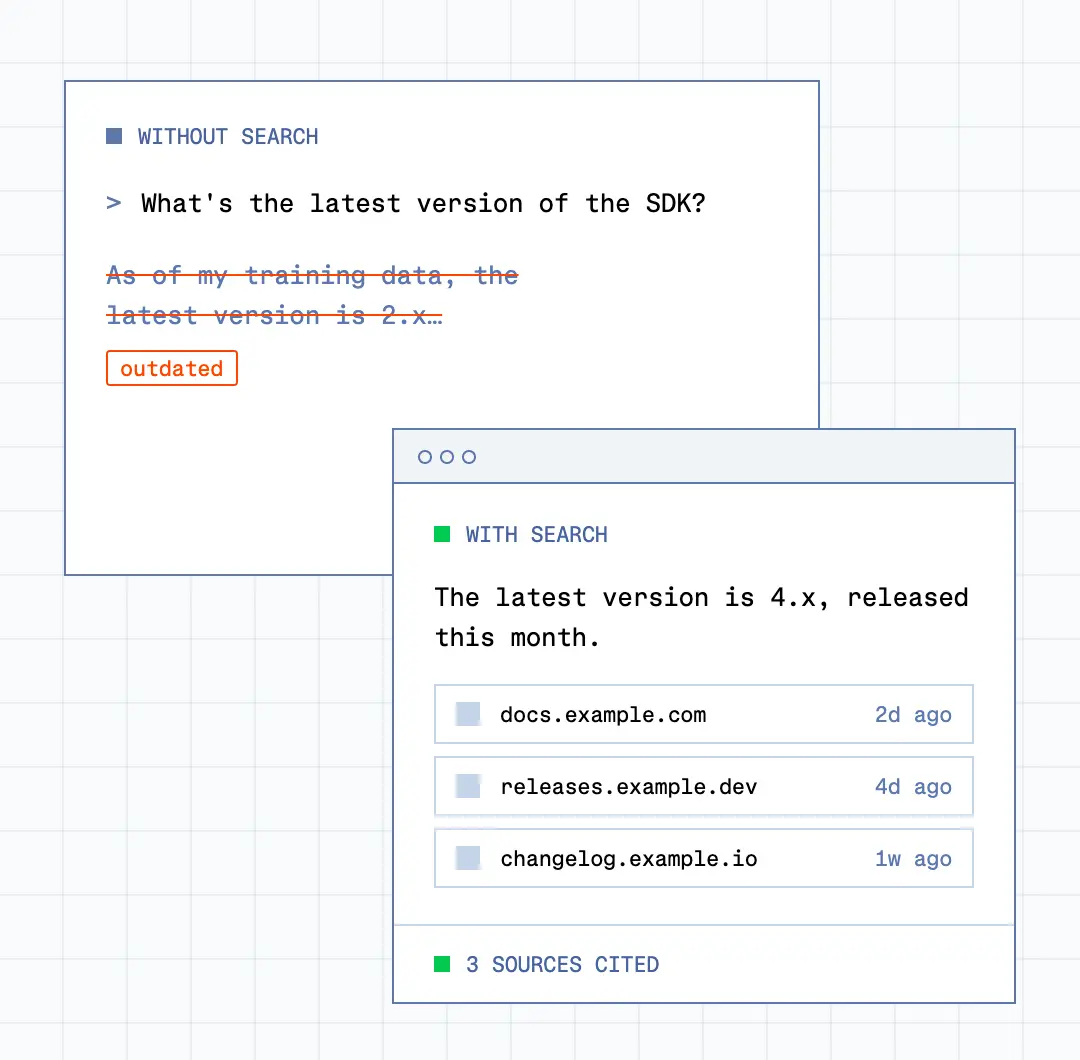
When a model doesn’t know, it fills the gap with something plausible. Search hands it ranked, current sources to reason over and cite, so your users get answers they can check.
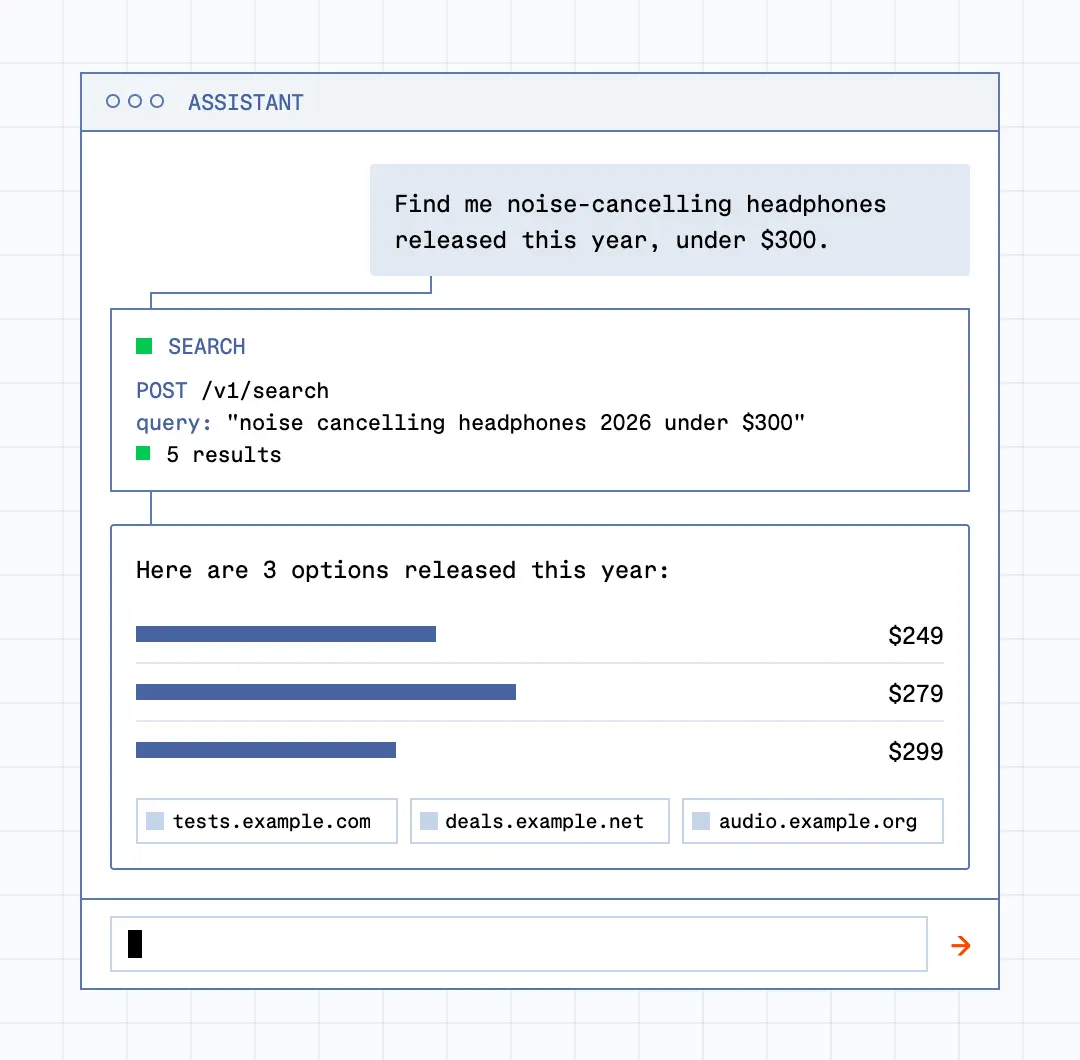
AI assistants buy the latest product on the web, coding agents read the latest API docs and error threads. The Browserbase Search API provides quick and relevant answers for responsive user interactions.
Most agent tasks start with a question: where should I go, and what's there?
Most search APIs are designed around how people browse. Agents don't browse. They navigate, extract, and act, and every unnecessary hop costs tokens, time, and reliability.
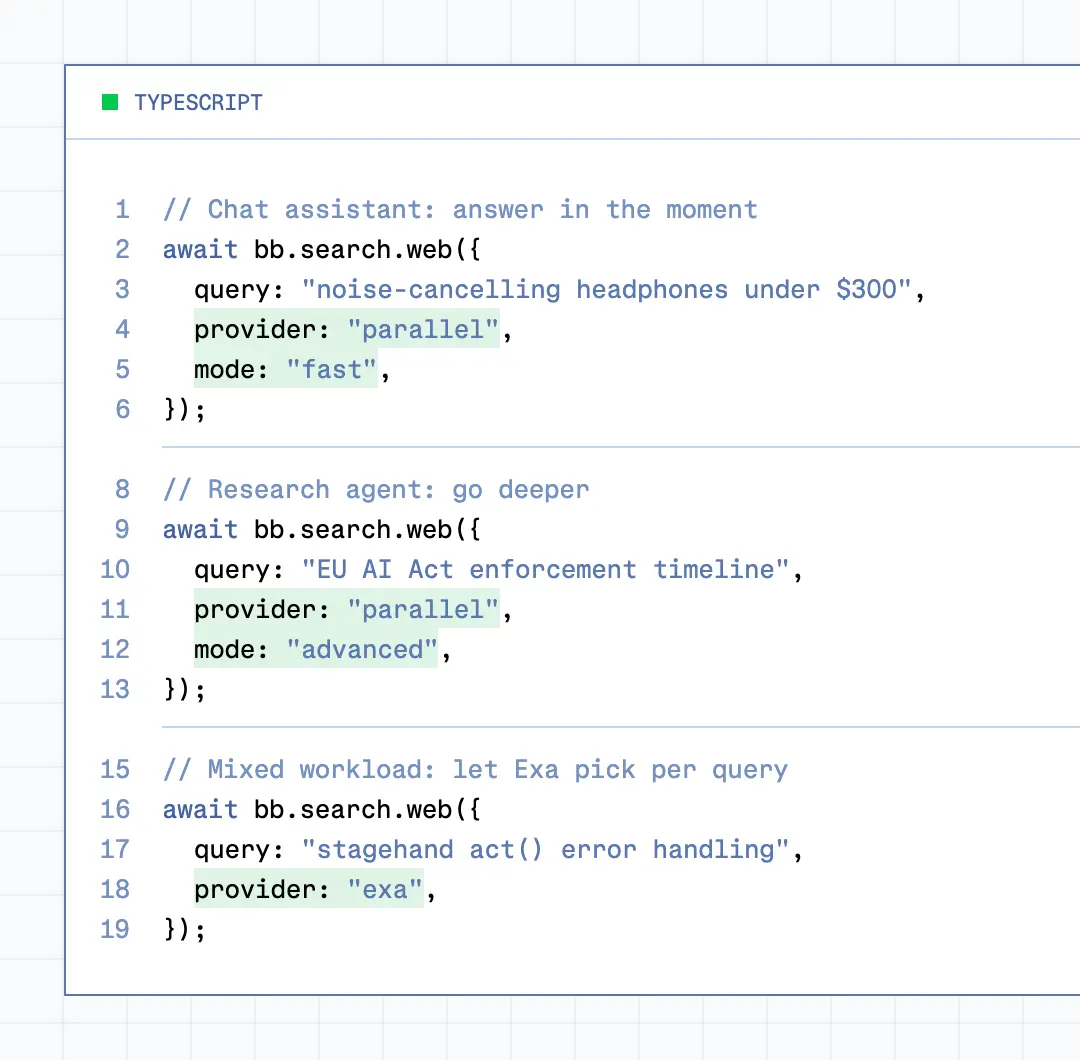
Set the provider and mode per call. Use a fast mode for chat and tool-calling loops, a deeper one for research, or let Exa choose for each query. No new key, no new integration.
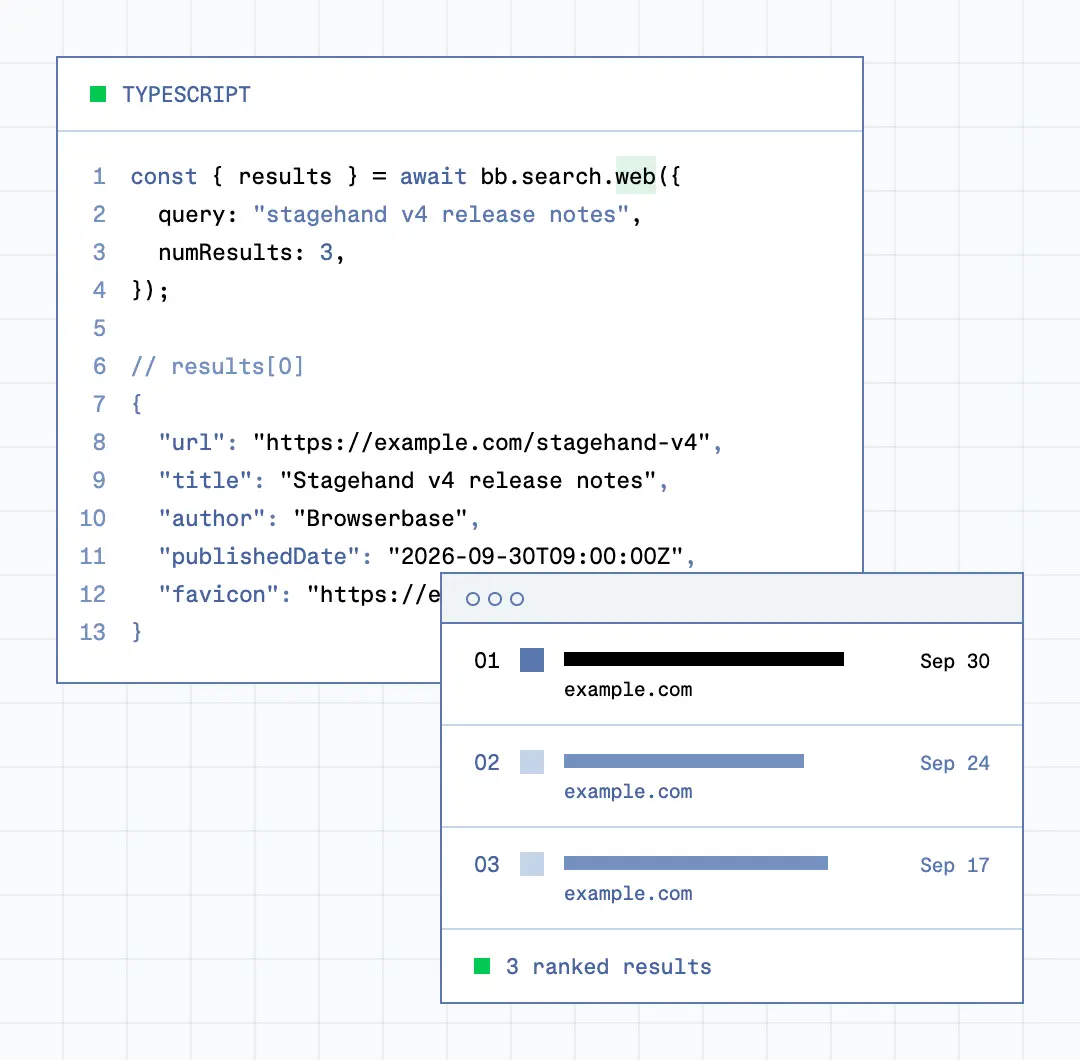
Every call returns a ranked list of results with the same fields: URL, title, author, publish date, image and favicon. Your agent can pick the right page without parsing a results page. Hand that URL to Fetch or a browser session for the next step.
Default search
$1/1,000 requests
Best for
Latency
$5/1,000 requests
Best for
Latency
$7/1,000 requests
Best for
Latency
One API Key gives your agents access to the whole web.
import Browserbase from '@browserbasehq/sdk';

const bb = new Browserbase({ apiKey: process.env.BROWSERBASE_API_KEY });

// Query the web, get back ranked results (1–25) for your agent to act on
const res = await bb.search.web({
  query: 'best open-source vector databases 2026',
  numResults: 5,
});

for (const r of res.results) {
  console.log(`${r.title} → ${r.url}`);
}
import os
from browserbase import Browserbase
bb = Browserbase(api_key=os.environ["BROWSERBASE_API_KEY"])
# Query the web, get back ranked results (1–25) for your agent to act on
res = bb.search.web(
query="best open-source vector databases 2026",
num_results=5,
)
for r in res.results:
print(f"{r.title} → {r.url}")An agent-optimized web experience.
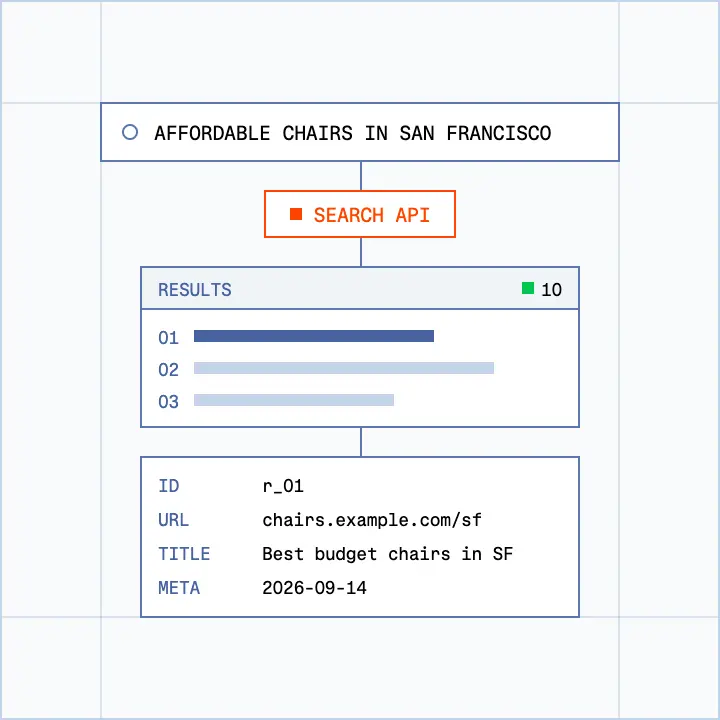
Search returns ranked URLs with titles and descriptions so your agent lands in the right place on the first try.
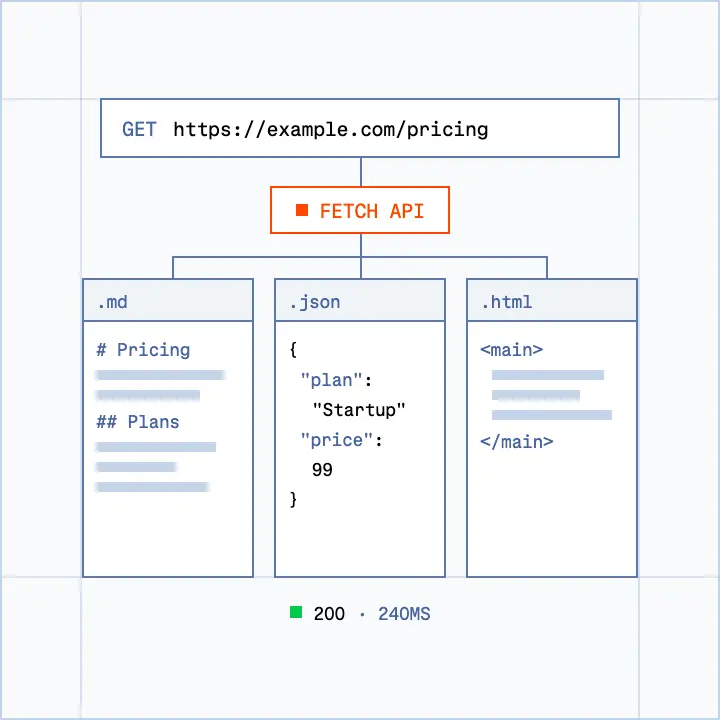
Fetch and Fetch Extract allow you to pull content and convert to markdown or structured JSON from a provided url. Request a page, get content back.
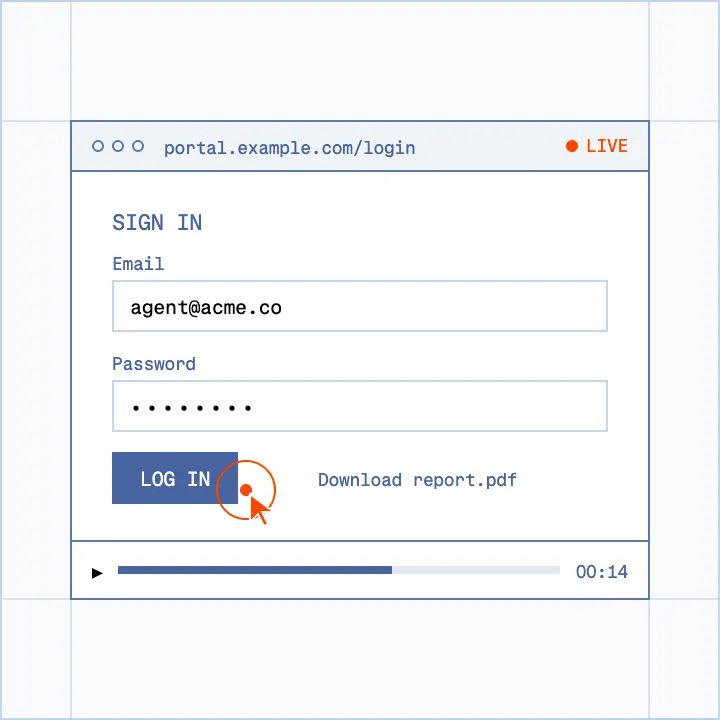
Browse is the final step that lets you take actions on a page. Log in, fill out a form, download a file.
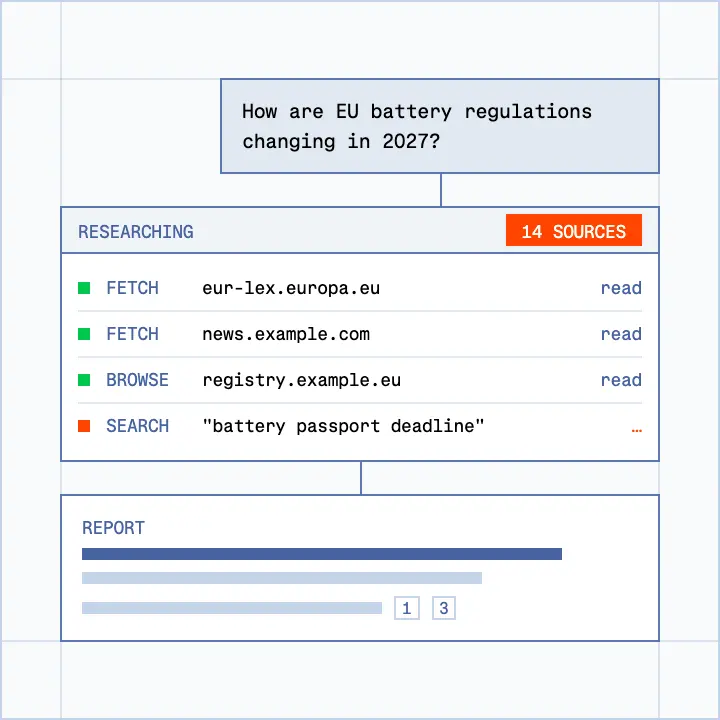
Point an agent at a topic and get back ranked and readable content across hundreds of sources.
Explore use case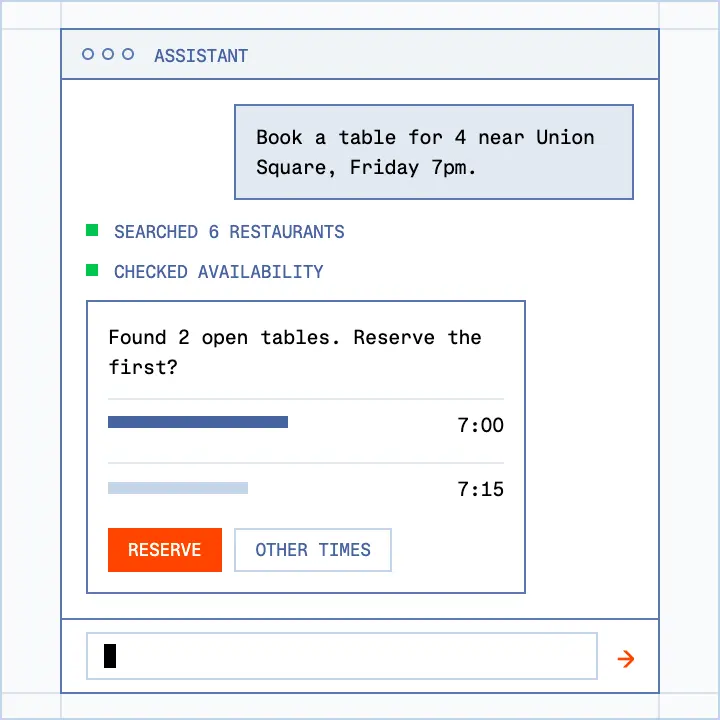
Gives your personal AI agents real browsers, Agent Identity, and persistent logins to finish the job on behalf of thousands of users at once.
Explore use case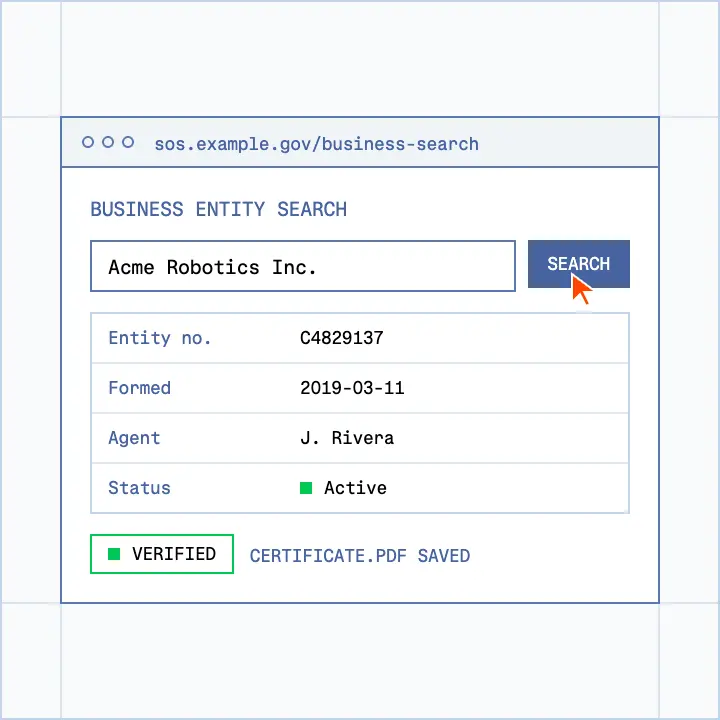
Reliable browsers that access the portals your verification workflows depend on.
Explore use caseTwo: Parallel and Exa. Parallel is the default and offers two modes: Parallel Fast for quick lookups and Parallel Advanced for deeper research. Exa Auto picks the right search method for each query on its own. All three run through the same endpoint, with the same API key and the same response format.
It depends on what your agent does.
Not sure? Start with the default and switch with a single parameter.
Search is billed on the same account as your browser sessions. See [pricing] for plan details.
No. Your integration keeps working, with the same endpoint and the same response format. The default provider is now Parallel Fast.
A search API built for programs, not people. It returns ranked, machine-readable results (URLs, titles, and metadata) without opening a browser. Agents use it to get past their knowledge cutoff, ground their answers in current sources, and find the right page before acting on it.
SERP APIs reproduce what a person sees on a Google or Bing results page, including ads, rich blocks, and layout elements. An agent search API returns a short list of highly relevant results in a clean structure, so your agent spends tokens on reasoning instead of parsing a results page.
Browserbase Search returns a light list of ranked results first. Your agent then uses the Fetch API to pull a fresh copy of only the page it needs. Firecrawl Search returns full-page markdown for every result in one call, which is heavier. With Browserbase, you also pick the search engine behind each call: Parallel or Exa.
Direct developer access to the major engines has mostly closed: Microsoft retired the Bing Search APIs on August 11, 2025. Raw results pages also come with ads, cookie banners, and navigation that waste tokens. A search API built for agents gives you clean, ranked results that stay stable inside an agent loop.
Browserbase Search is a single REST endpoint, with methods in the Python and TypeScript SDKs. Most migrations come down to replacing the request and mapping the response fields. Your Browserbase API key works for Search, Fetch, and browser sessions.
Fast enough that delays don’t compound. A single agent task can run several searches, so latency adds up quickly. That’s why you choose the mode per call: Parallel Fast for tool-calling loops where every millisecond counts, Parallel Advanced when a better answer is worth a few extra seconds.
Ranked results (URLs, titles, and metadata), not full page bodies. When your agent needs the content, the Fetch API returns a live copy of the page as markdown or JSON. Keeping search responses small makes them fast and cheap to pass to a model.