Browserbase MCP Server
Cloud-based browser automation using Browserbase and Stagehand
What it does
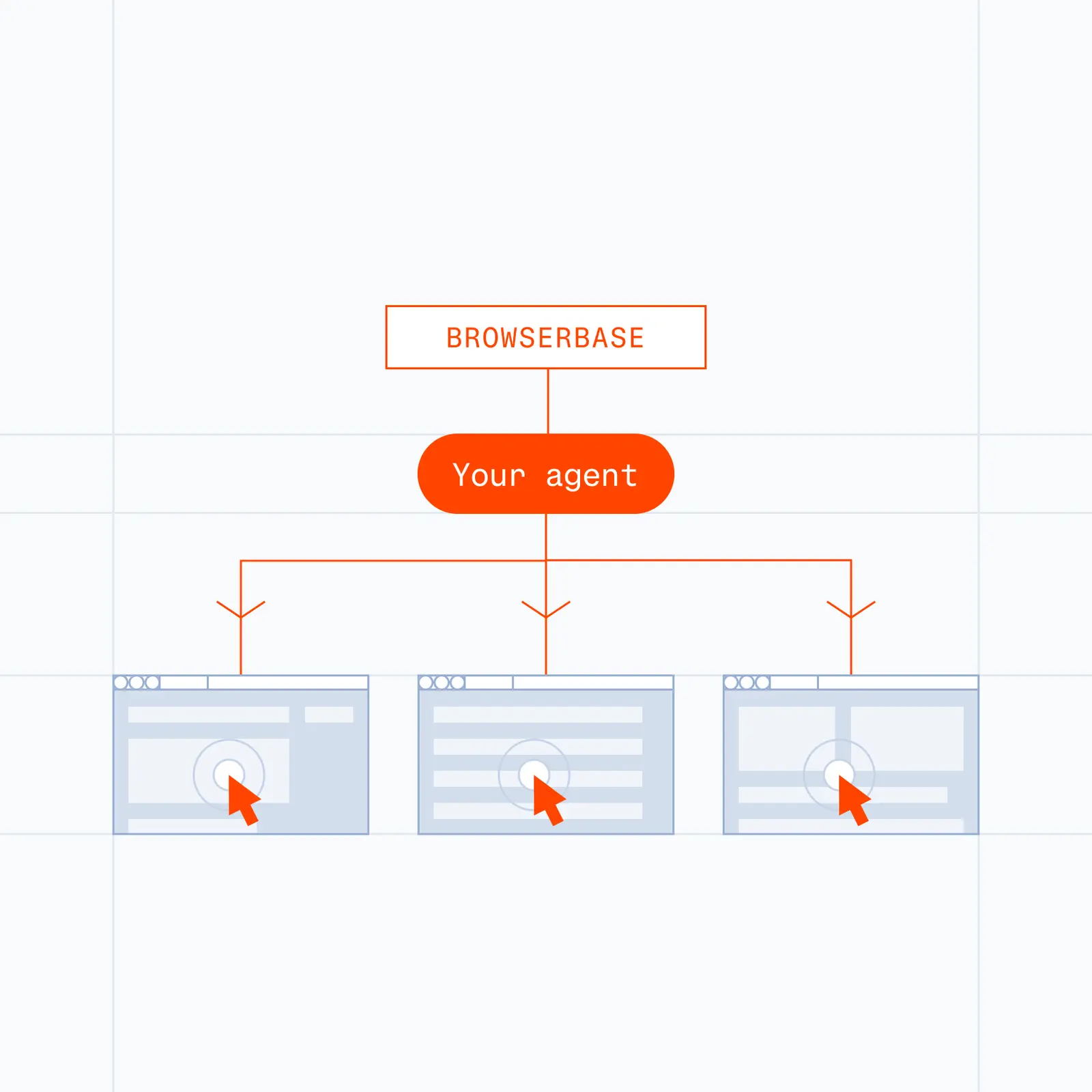
This server provides cloud browser automation capabilities using Browserbase and Stagehand. It enables LLMs to interact with web pages, take screenshots, extract information, and perform automated actions with atomic precision.
Browserbase is ideal for
- AI Web Agents
- Process/Workflow Automation,
- Complex Web Scraping
- Automated QA testing
Key Capabilities
- Browser automation & orchestration
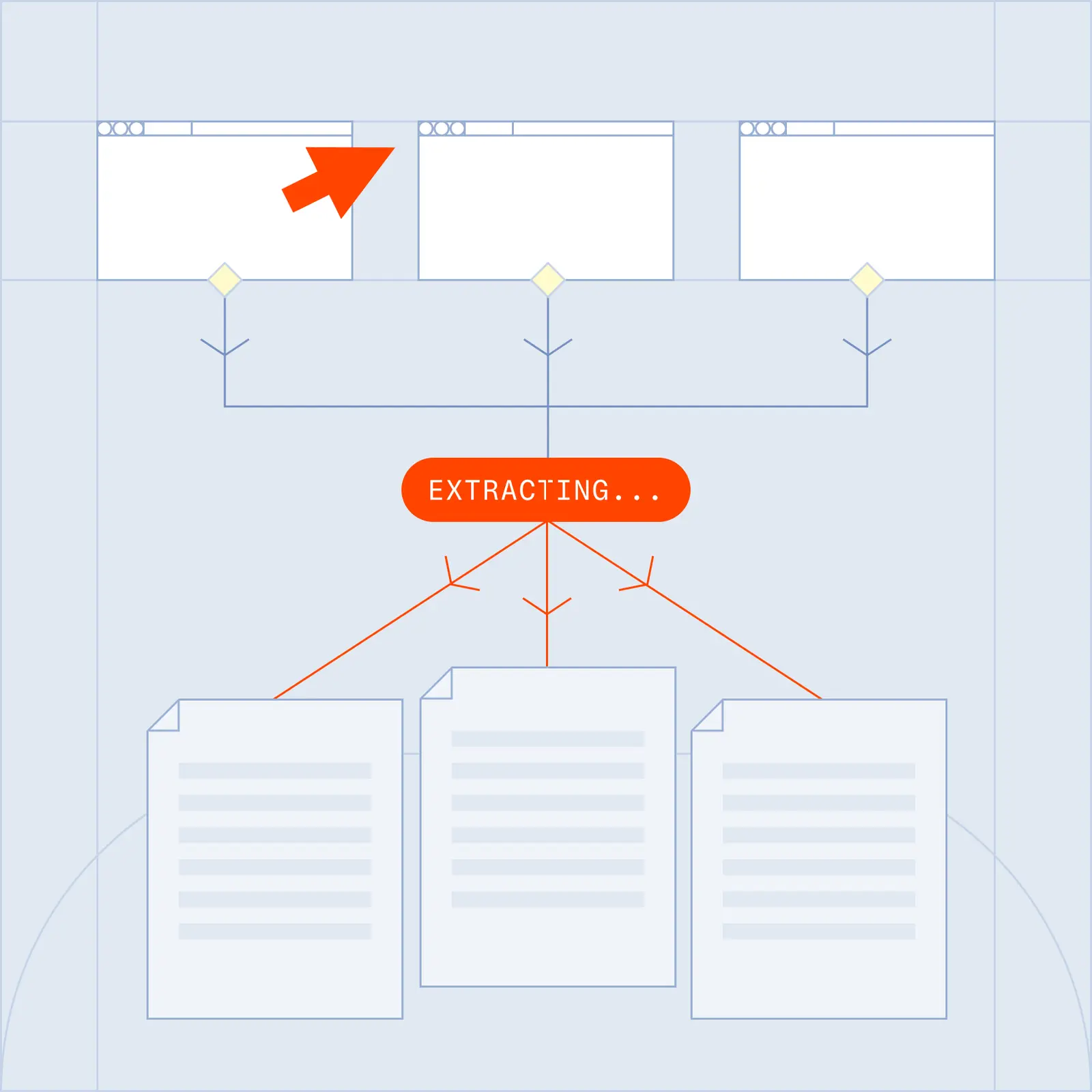
- Data extraction from any webpage
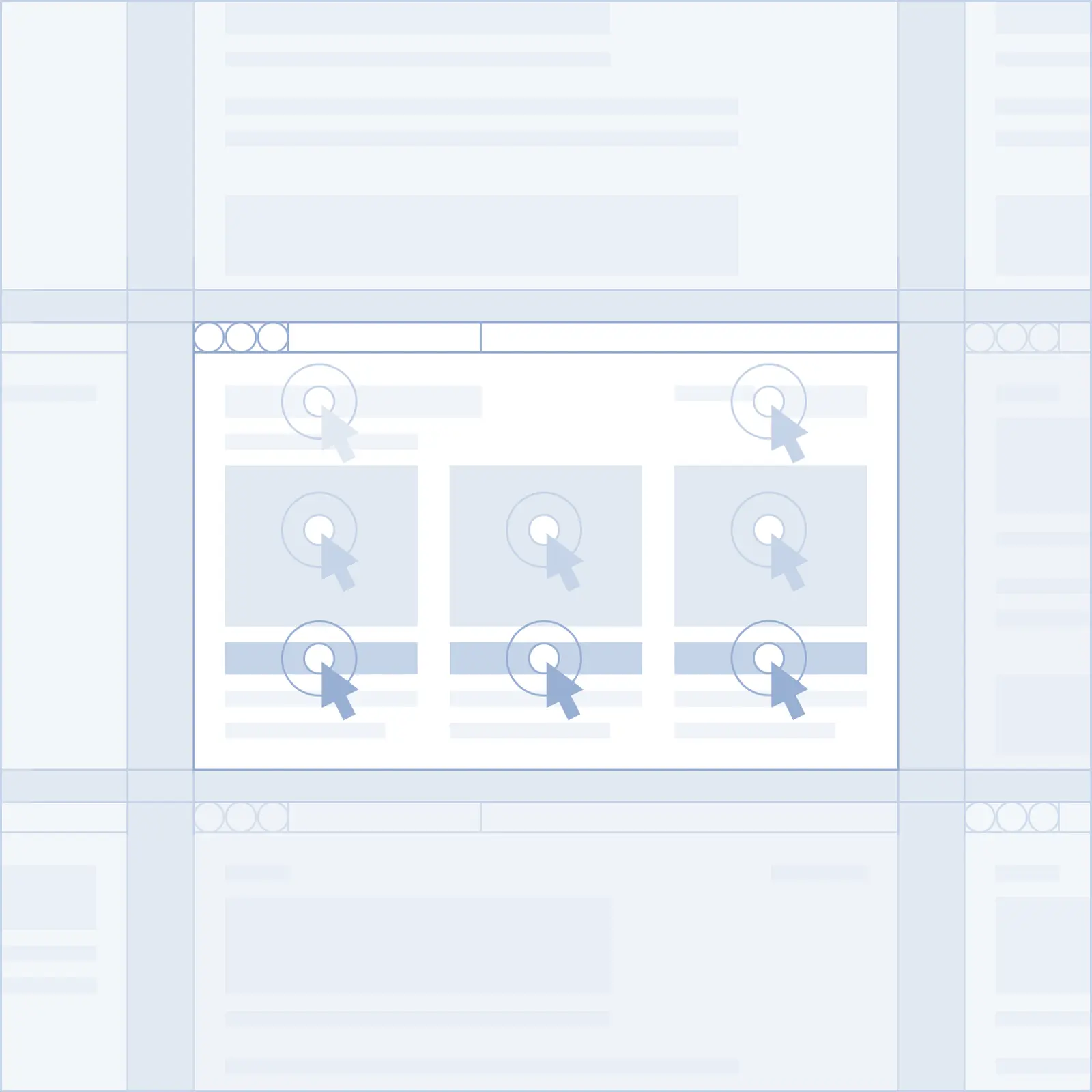
- Web interaction (navigate, click, fill forms)
- Screenshots & screen capture
- Model flexibility (OpenAI, Claude, Gemini)
- Vision support with annotated screenshots
Example workflows
- AI-powered web automation with natural language
- Data extraction and structured content scraping
- Automated testing and form processing
Setup
How to setup the Browserbase MCP
To setup our MCP server, simply add the following to your MCP configuration file.
{
  "mcpServers": {
    "browserbase": {
      "url": "https://mcp.browserbase.com/mcp?browserbaseApiKey=YOUR_BROWSERBASE_API_KEY"
    }
  }
}
FAQs
What is a Model Context Protocol (MCP) server?
MCP is an open protocol that standardizes how applications provide context to LLMs. Think of MCP like a USB-C port for AI applications. Just as USB-C provides a standardized way to connect your devices to various peripherals and accessories, MCP provides a standardized way to connect AI models to different data sources and tools.
How does Browserbase MCP Server work with Claude Desktop/other MCP clients?
Browserbase MCP integrates with Claude Desktop through the Model Context Protocol (MCP). Once configured, Claude can access web browsing tools to navigate websites, interact with elements, extract content, and take screenshots, all powered by Browserbase's headless browsers using Stagehand for AI-powered automation.
What are the API keys needed for Browserbase MCP Server?
You'll need a Browserbase API key to use the Browserbase MCP Server. These are available on the [dashboard](https://browserbase.com/overview). If you don't have an account yet, you can sign up for free [here](https://www.browserbase.com/sign-up).
Where can I get help if I encounter issues with Browserbase MCP?
For issues with Browserbase MCP Server, you can check the Browserbase documentation, visit the GitHub [repository](https://github.com/browserbase/mcp-server-browserbase), or contact Browserbase support directly at support@browserbase.com.