Skip to content
Browserbase
    • Primitives
      • BrowsersCloud browsers for your agent to use the web
      • AgentsScale fully managed browser agents with simple prompts
      • SearchFind relevant websites from a single query
      • FetchRetrieve web data as agent-ready HTML, JSON, or markdown
      • RuntimeScalable, sandboxed environments for agent deployments
      • IdentityAuthenticate your agent to navigate the web like a human
      • ModelsUse any model with a single API key
      • ObservabilityUnified debugging your agent across replays, logs, and prompts
    • Open Source
      • Browse CLIGive your agent browsing skills with a single command
      • StagehandThe most popular AI browser automation framework
    • Use Cases
      • Browser AgentsPower agents across logins, forms, and portals
      • Web Data ExtractionAutomate data extraction from sites with no APIs
      • Records VerificationCheck KYB, background, and title from official sources
      • Portal FilingsFile registrations, pay invoices, and submit appeals at scale
      • Document RetrievalCollect receipts, statements, and reports from vendor portals
      • Data MigrationImport a new customer's data from the system they're leaving
      • Permissioned Data AccessSecurely access payroll, HRIS, and patient portal accounts your users authorize
      • AI AssistantsBuild agents that act on behalf of your users
      All use cases
    • Industries
      • AI & Agent Platforms
      • Healthcare
      • Fintech
      • GTM
      • Legal
    • Resources
      • Blog
      • Customers
      • Enterprise
      • Templates
  • Pricing
  • Docs
  • Log in
Log in
Sign up
Get a demo

Move customer data out of legacy systems, even the ones with no export

The legacy tools your customers are leaving rarely come with a clean export. Your agents log in on their behalf, navigate the old system, and seamlessly bring the data over, so onboarding starts on day one.

Book a Demo

POS migrations

Pull menus, products, customers, and sales history out of the point-of-sale system a merchant is leaving.

401(k) rollovers

Retrieve account details and plan documents from a customer's previous plan provider.

Onboarding and offboarding

Import data when a customer joins, and hand it back in a clean export when they leave.

decla-logo
duckbill-logo
amplitude-logo
clay-logo

Why customer data migration stalls onboarding

  1. The system a customer is leaving rarely offers a full export. What they need is spread across screens, tabs, and reports inside the app.
  2. Tools that are losing a customer don't make leaving easy. Exports are partial, rate-limited, or buried behind a support ticket.
  3. Each legacy tool has its own layout, data model, and navigation, so every new source means a new migration project.
  4. Legacy apps challenge automated logins with MFA, CAPTCHAs, and session timeouts, often partway through a large pull.
  5. Without a record of what the agent pulled, a missing contact or order history turns into a support escalation instead of a quick fix.

Data migration without the infrastructure maintenance

Concurrent browsers at scale

Run many extraction sessions in parallel so a large migration finishes in the onboarding window, on demand.
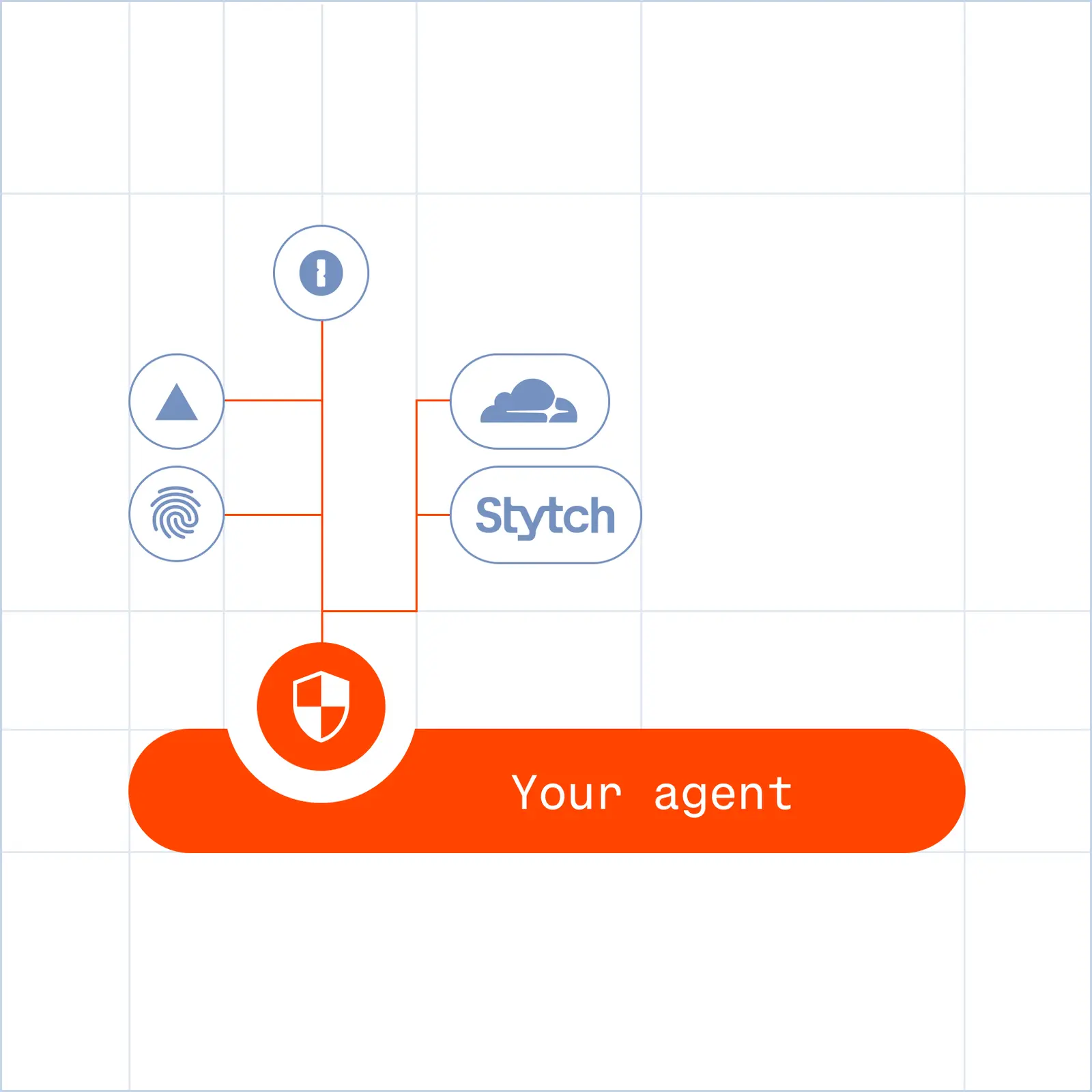
Verified access for your agents

Browserbase co-built Agent Identity with the bot protection and identity providers websites already rely on, so your agents get verified access, not workarounds.

Self-healing automation for every system

Describe the data to migrate in natural language and the agent adapts to each incumbent tool's layout, so one approach covers many sources.

Full migration observability

Session recording and logs capture exactly what the agent extracted, so you can reconcile the new account against the old.

Frequently Asked Questions

What is data migration automation?

Data migration automation uses agents to log into the system a customer is leaving, navigate to their data, and extract it, without a person copying records by hand or waiting on an export that the old vendor won't provide.

What if the old system has no export or API?

Browserbase agents operate the source system's own interface with Verified access, so they can reach and extract data even when there is no bulk export and no API to call.

How does one migration handle many different source systems?

Self-healing automation adapts to each system's layout instead of relying on hardcoded selectors. You describe the data to migrate in natural language, and the agent re-resolves how to reach it on whatever incumbent tool the customer is leaving.

Can it move a large migration quickly?

Yes. Concurrent browsers let you run many extraction sessions in parallel, so a large onboarding migration completes inside the window rather than dragging across days.

How do I verify the migration was complete?

Every session is recorded and logged, and extracted records and files are stored through the Downloads flow. You can replay exactly what the agent pulled and reconcile the new account against the old.

What will you build?

Book a DemoStart building
Browserbase

Primitives

  • Browsers
  • Web APIs
  • Runtime
  • Identity
  • Model Gateway
  • Observability
  • Stagehand
  • MCP

Industries

  • AI
  • Healthcare
  • GTM
  • Tax
  • Legal

Developers

  • Docs
  • Templates
  • APIs & SDKs
  • Changelog
  • Status
  • Github

Company

  • Careers
  • Customers
  • Partner with Us
  • Trust & Security

Community

TwitterLinkedinYoutube
  • Privacy Policy
  • Terms of Service

Community

TwitterLinkedinYoutube
  • Privacy Policy
  • Terms of Service