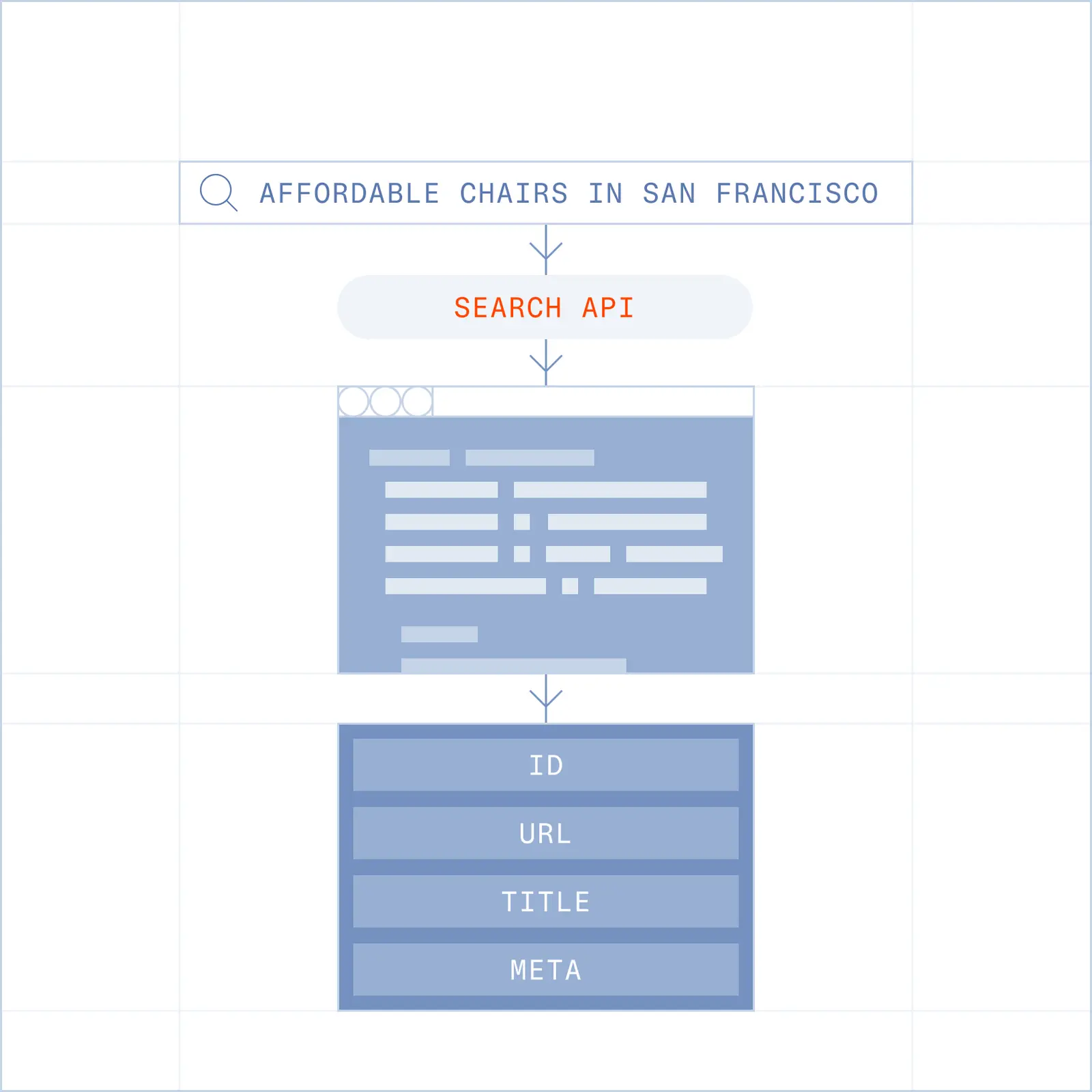
Search returns ranked URLs with titles and descriptions so your agent lands in the right place on the first try.
Fetch any webpage as HTML, Markdown or JSON, paired with proxies.

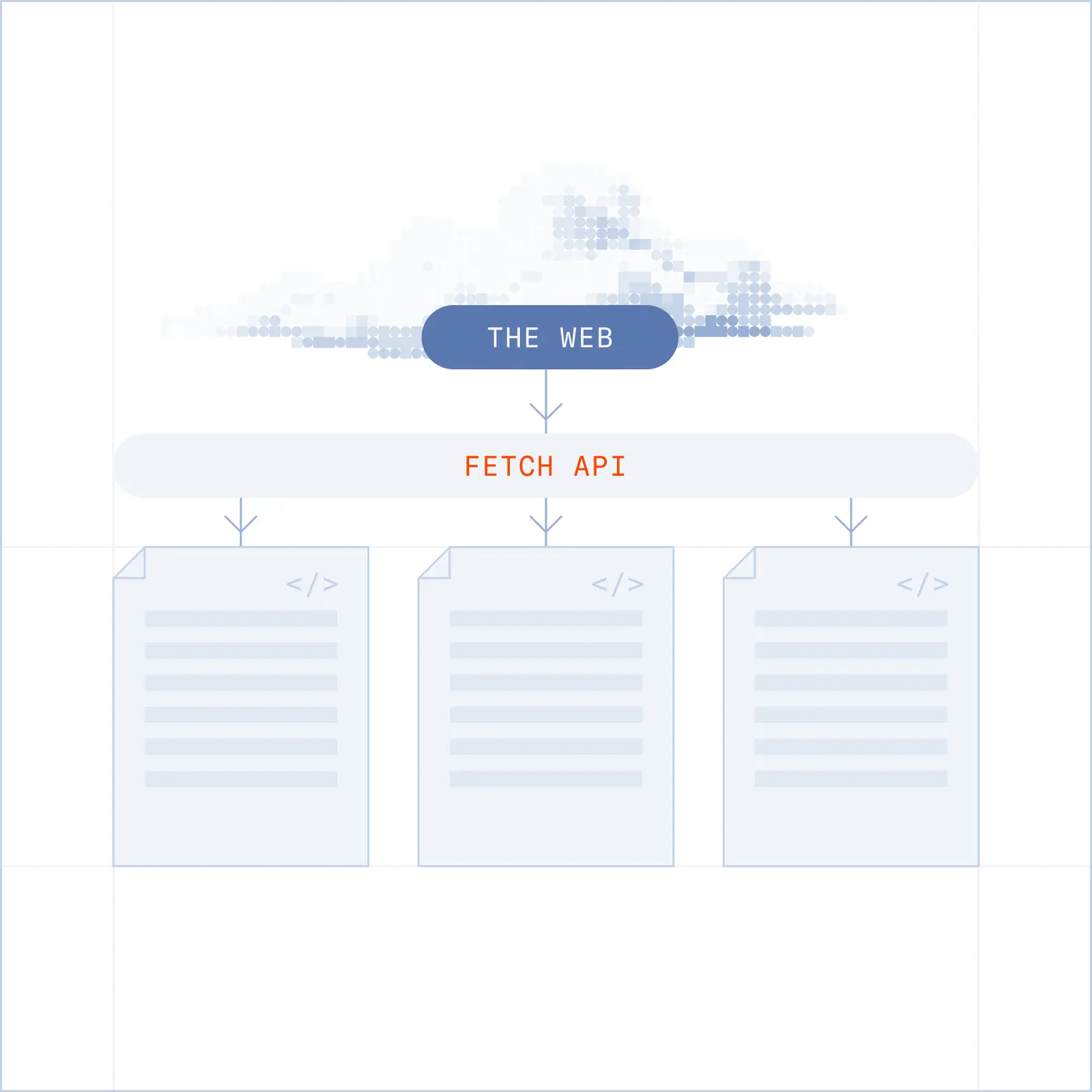
Once an agent knows where to go, it still has to read the page. Most tools return what a page looks like in theory ( raw HTML padded with ads, nav, and scripts) so agents waste tokens on noise and risk acting on a stale, cached copy.
Fetch returns what's actually there, live and clean.
Enrich your agent’s context with fresh and structured web data.
Transform any webpage into fresh agent context. Pass an URL, choose your format, and get back clean, structured content your agent can use immediately.
One API Key gives your agents access to the whole web.
import Browserbase from '@browserbasehq/sdk';

const bb = new Browserbase({ apiKey: process.env.BROWSERBASE_API_KEY });

// Pass a URL, get back clean, live markdown your agent can read
const page = await bb.fetchAPI.create({
  url: 'https://news.ycombinator.com',
  format: 'markdown',
});

console.log(page.statusCode); // 200
console.log(page.content);    // LLM-ready markdown
import os
from browserbase import Browserbase
bb = Browserbase(api_key=os.environ["BROWSERBASE_API_KEY"])
# Pass a URL, get back clean, live markdown your agent can read
page = bb.fetch_api.create(
url="https://news.ycombinator.com",
format="markdown",
)
print(page.status_code) # 200
print(page.content) # LLM-ready markdownAn agent-optimized web experience.
Search returns ranked URLs with titles and descriptions so your agent lands in the right place on the first try.
Fetch and Fetch Extract allow you to pull content and convert to markdown or structured JSON from a provided url. Request a page, get content back.
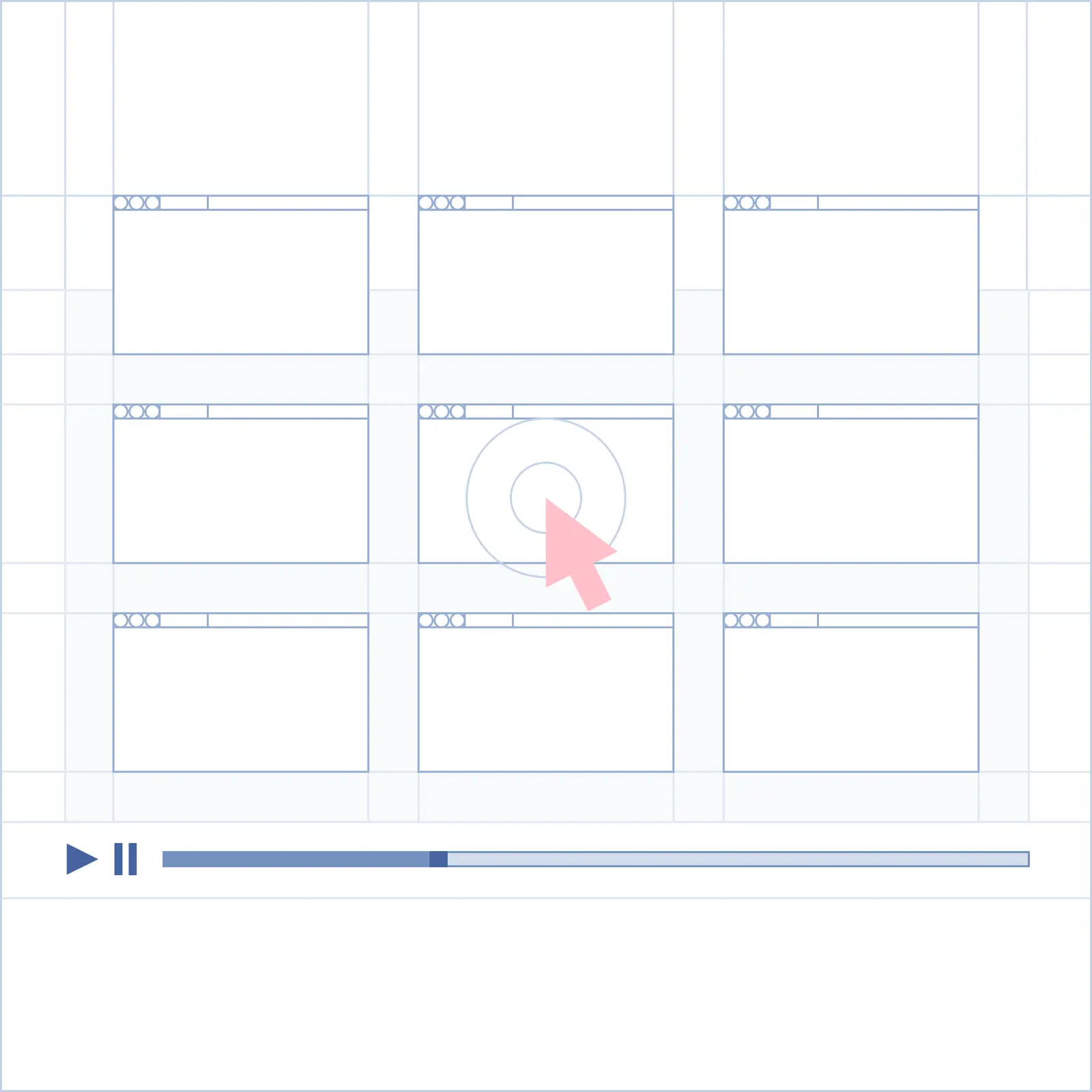
Browse is the final step that lets you take actions on a page. Log in, fill out a form, download a file.
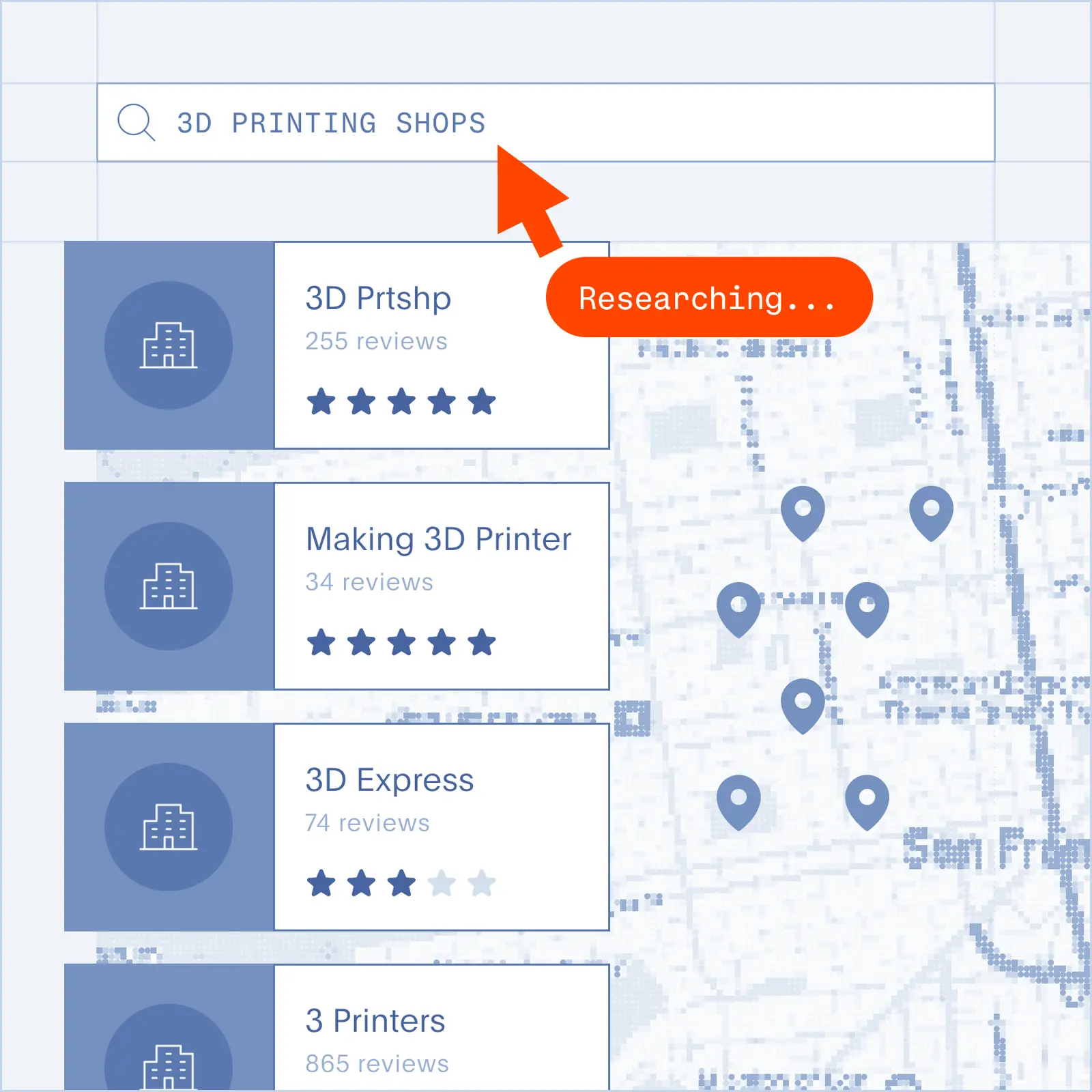
Point an agent at a topic and get back ranked, readable content. No scraping, no brittle selectors.
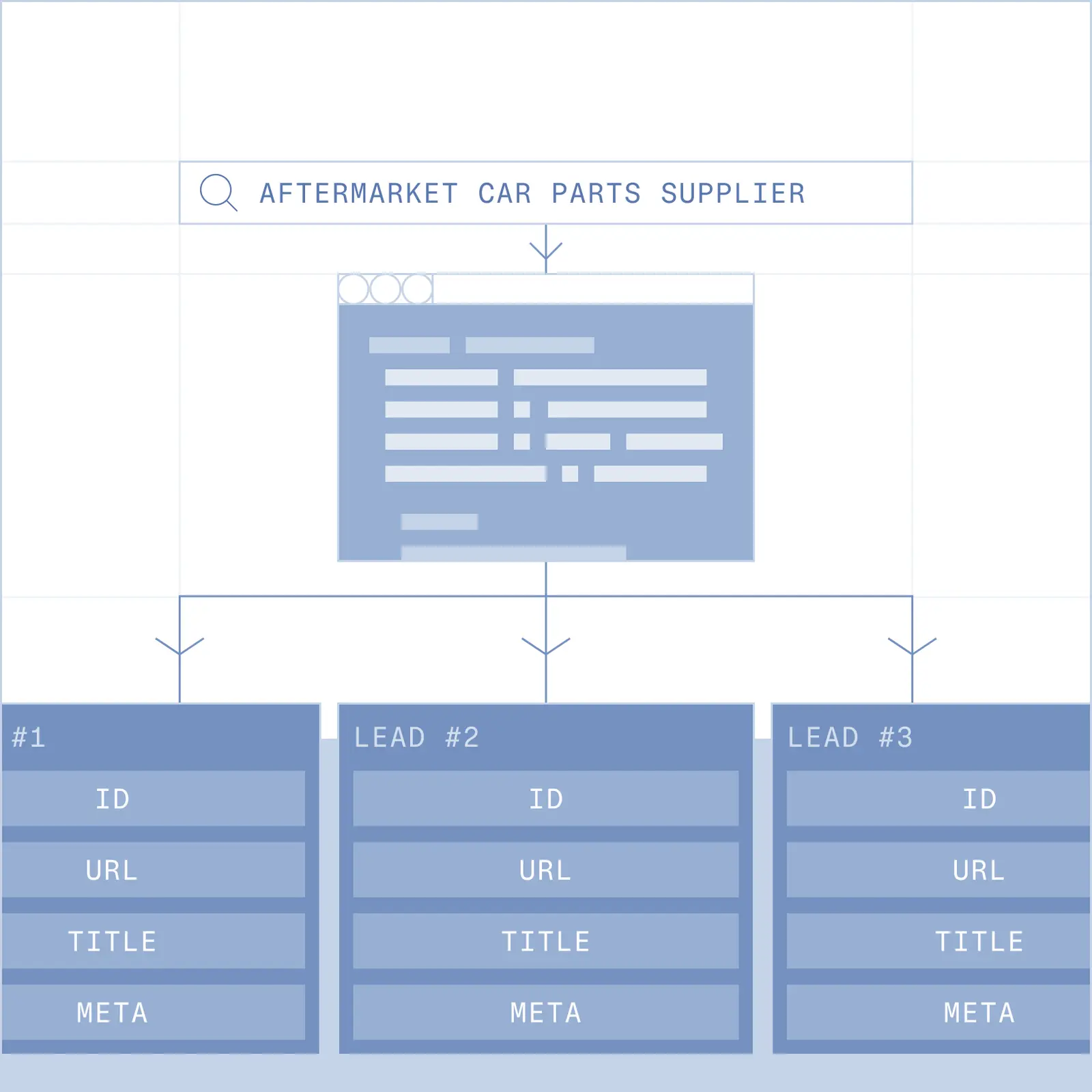
Search for a company or contact, pull the right page, extract what you need. Structured, at scale.
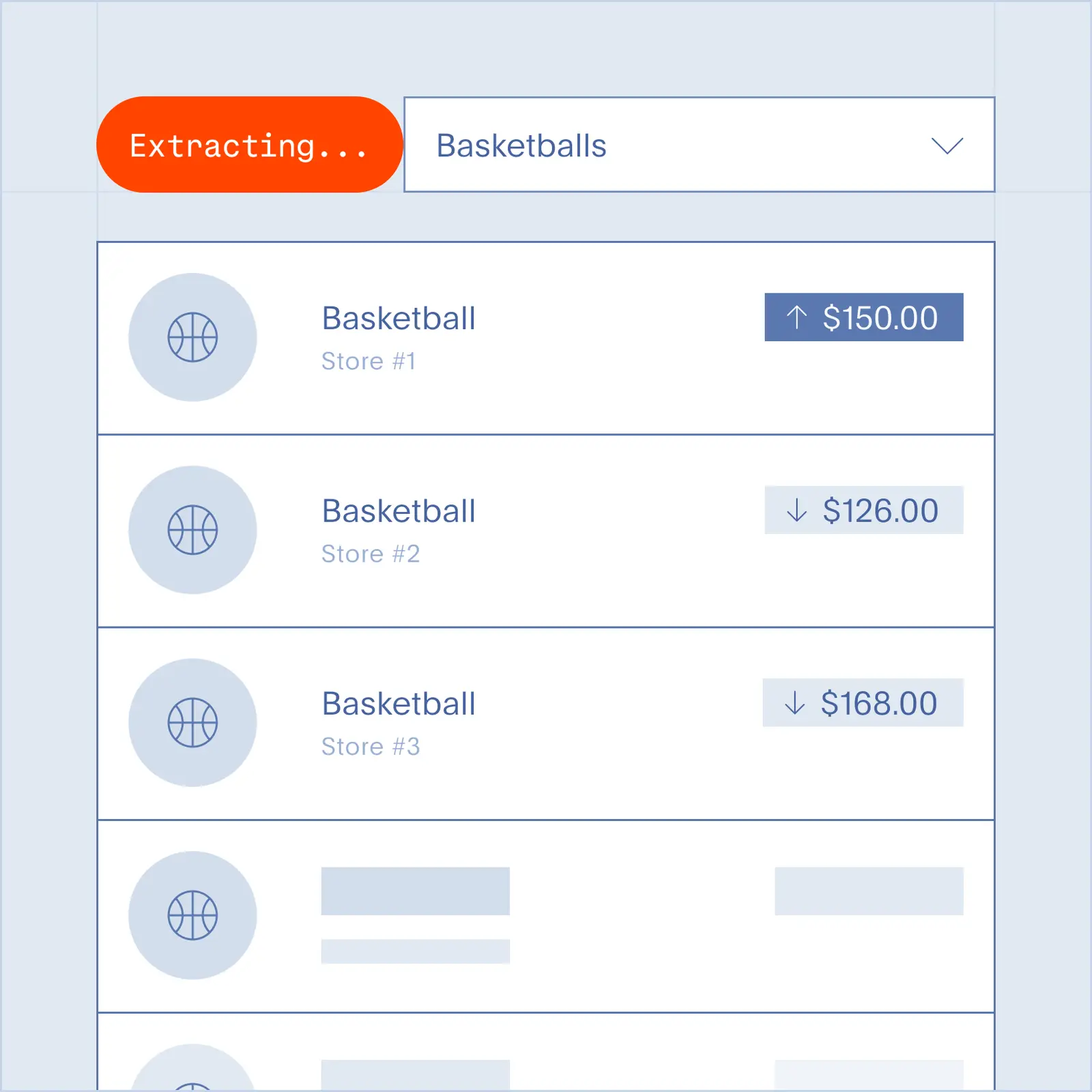
Search for what's changing in your space. Pair with a browser session to go deeper when it matters.
The Fetch API takes a URL and returns the page's real content as clean markdown or JSON, with the ads, navigation, and HTML noise removed. It reads the page live at request time, so you get what's actually there rather than what the page looks like in theory. It's the "read the page" step that sits between Search (find the page) and Browse (act on the page).
Call the Fetch API with the URL and ask for markdown. It renders the page and returns LLM-ready markdown with the nav, ads, and boilerplate stripped out. This "URL to clean markdown" job is the most-searched request in the category, and competitors have built whole products around it, like Firecrawl's "Turn any source into clean Markdown". Fetch does the same, returns a live copy, and also gives you JSON when you want structured fields.
Both turn a URL into clean, LLM-ready content. Where they split is freshness, formats, and size limits. Firecrawl's /scrape returns markdown, HTML, JSON, and screenshots and offers a cached index mode. Fetch returns a live copy every time as markdown or JSON, up to a 5 MB response, kept token-light.
You can, until the page uses JavaScript, changes its layout, or fights bots, at which point the quick script turns into a standing maintenance job. It's the case every managed provider makes: ScrapingBee sells scraping "without managing proxies, browsers, or anti-bot defenses". A Fetch API renders the page, JavaScript included, hands back clean content, and spares you from building and maintaining a browser, proxy, and parsing stack.
Fetch returns a live copy of the page at request time, not a stored snapshot. Cached responses are faster but can be out of date, which is a problem when an agent is about to act on what it reads. Firecrawl, for instance, exposes a cached index mode. A live fetch keeps the agent off stale content.
It returns only the page's real content, with the ads, navigation, cookie banners, and boilerplate taken out, so your model reads less. Token savings are the headline pitch across the category now: providers advertise "reducing token usage by 80%" and "77% fewer tokens" from clean-markdown extraction. Fewer tokens means less for the model to process and a faster response per fetch.
Markdown and JSON, with responses up to 5 MB. Use markdown for grounding and RAG; use JSON when you want typed fields out of a page. For comparison, Firecrawl returns markdown, HTML, JSON, and screenshots. Fetch keeps its response fresh and token-light.
Use Fetch to read a page: pull and structure content from a URL you already have. Use Browsers to act on a page: log in, fill a form, click through, or download a file. Fetch is the fast, read-only content step; Browsers are the full browser session for tasks that change state or need stealth. Most workflows use both, with Search to find the URL, Fetch to read it, and Browsers when the job means doing something on the page.