Candidate sourcing and ATS sync
Pull candidate profiles, post to job boards, and keep ATS records in sync across every system.
HR runs on systems that were never built for agents. Browserbase gives your agents real cloud browsers that log into ATSs, HRIS platforms, payroll providers, and benefits portals to complete workflows end to end, under one API key. SOC-2 Type II certified, on infrastructure running 35m+ sessions a month.
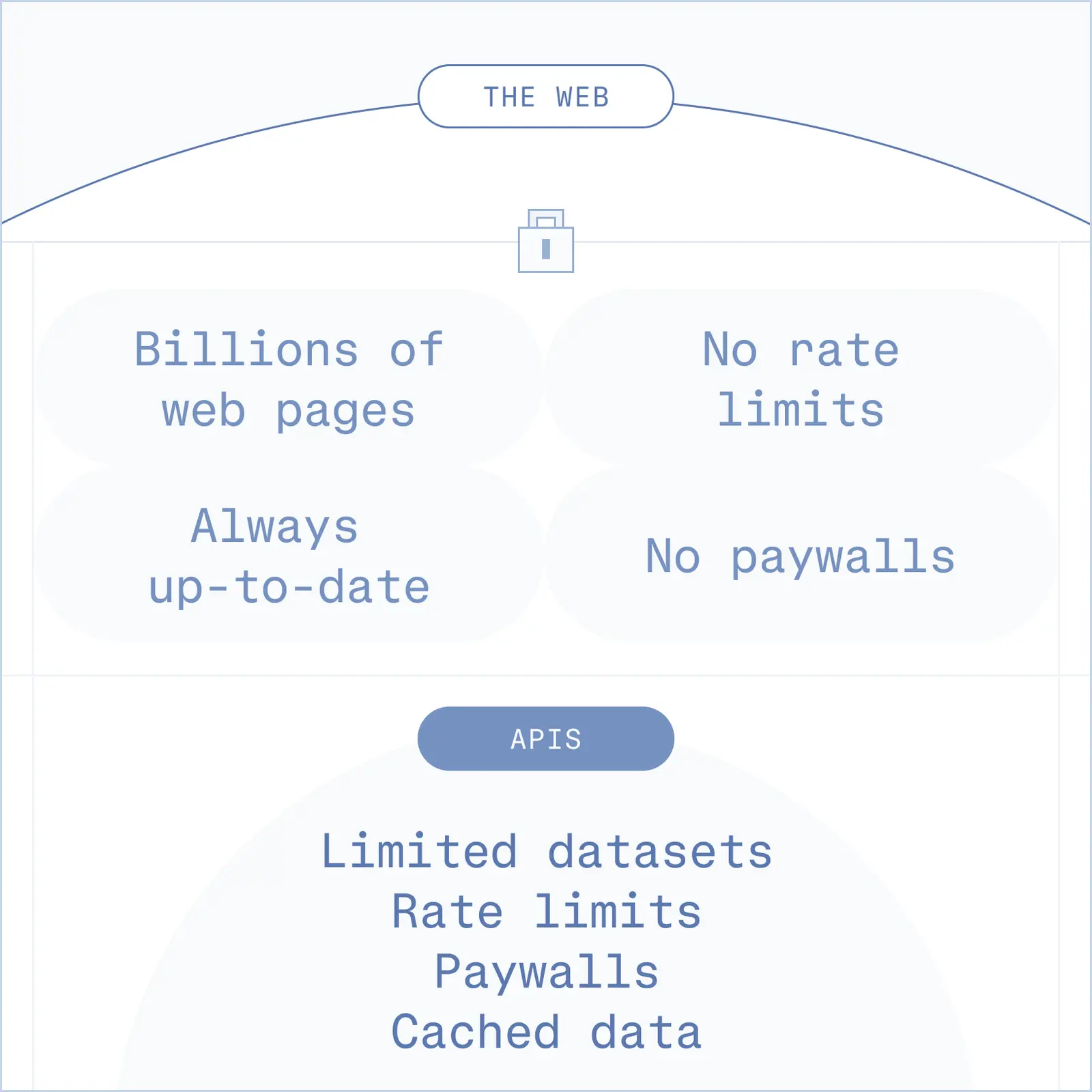
The Problem
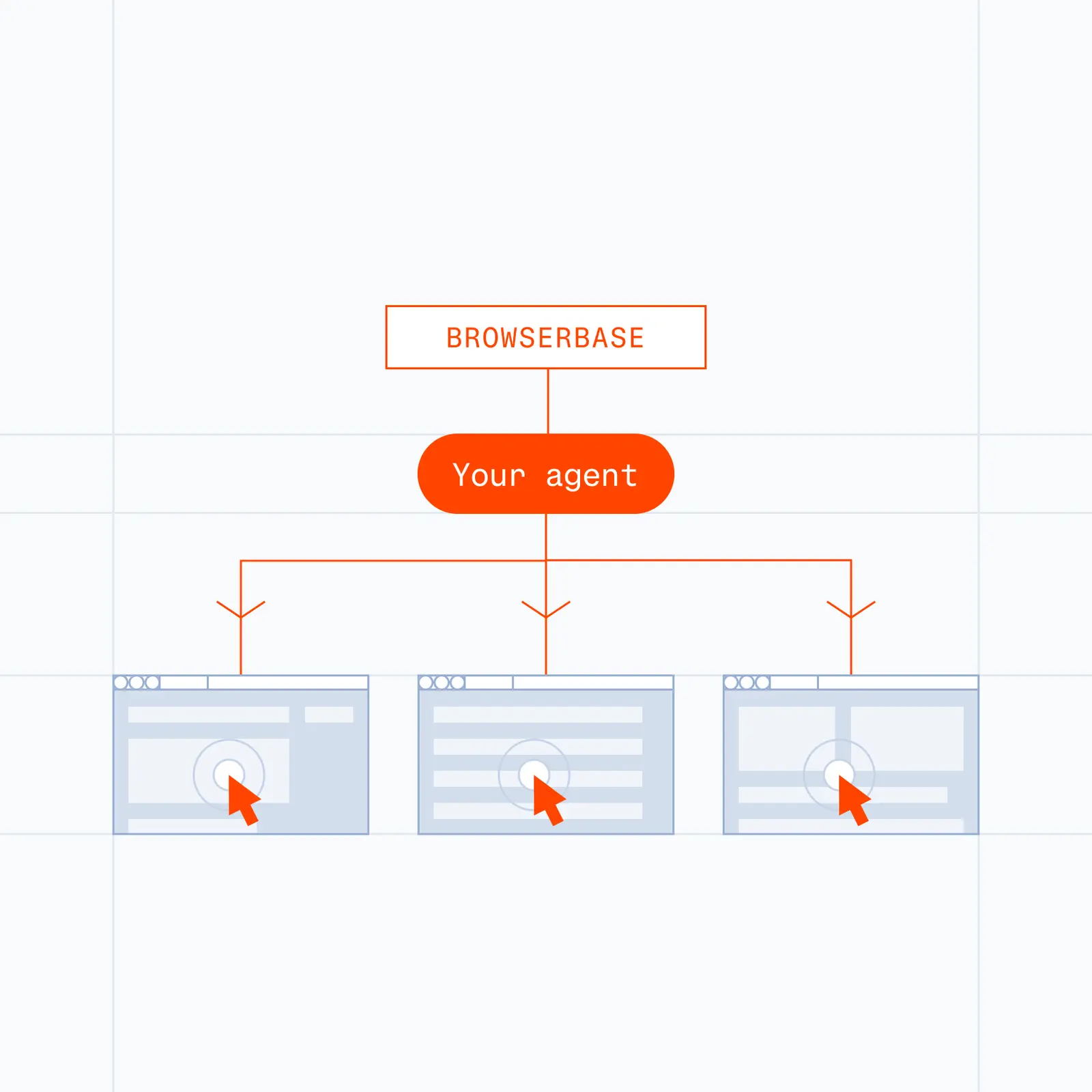
The Solution
Pull candidate profiles, post to job boards, and keep ATS records in sync across every system.
Create accounts, file I-9s, request background checks, and provision access across every vendor portal.
Run payroll cycles, enroll employees in benefits, and reconcile vendor data without portal hopping.
Verify employment eligibility, license status, and certifications across state boards and registries.
Browserbase is the browser execution layer. Your agent framework handles reasoning and orchestration, and Browserbase provides the cloud browsers the agent uses to interact with ATSs, HRIS platforms, payroll providers, benefits portals, and any other HR system that lives behind a login. Agents log in, click, type, upload, and download exactly like a human operator would.
Yes. Browserbase is SOC-2 Type II certified. Browser sessions run in isolated environments with encryption at rest and in transit, and full audit logs of every action. Customer-managed credentials can be scoped per session, and sensitive HR workflows can be paired with human-in-the-loop approvals for high-stakes steps.
Most HR workflows still touch systems that have no public API, limited API coverage, or expensive integration tiers: benefits providers, state agencies, background check vendors, and legacy ATSs. Browserbase fills that gap. It runs alongside your existing API integrations, handling the steps where the only interface is a browser.
Yes. Persistent cloud sessions retain cookies and session state across runs, so MFA prompts are handled once and remembered. For portals that require MFA on every login, Browserbase supports human-in-the-loop workflows where a team member can approve the MFA step before the agent continues.
Traditional RPA tools rely on brittle screen coordinates and break when vendors update their interfaces. Browserbase runs real Chromium browsers with Verified access and AI-powered selectors that adapt when sites change. It also pairs naturally with LLM-based agents, so the agent can reason about what to do next, not just replay a recorded script.
Yes. Browserbase supports parallel browser sessions, so a single agent or fleet of agents can run onboarding, eligibility verification, or payroll workflows across many portals at the same time. Each session is fully isolated.