Log in and stay in
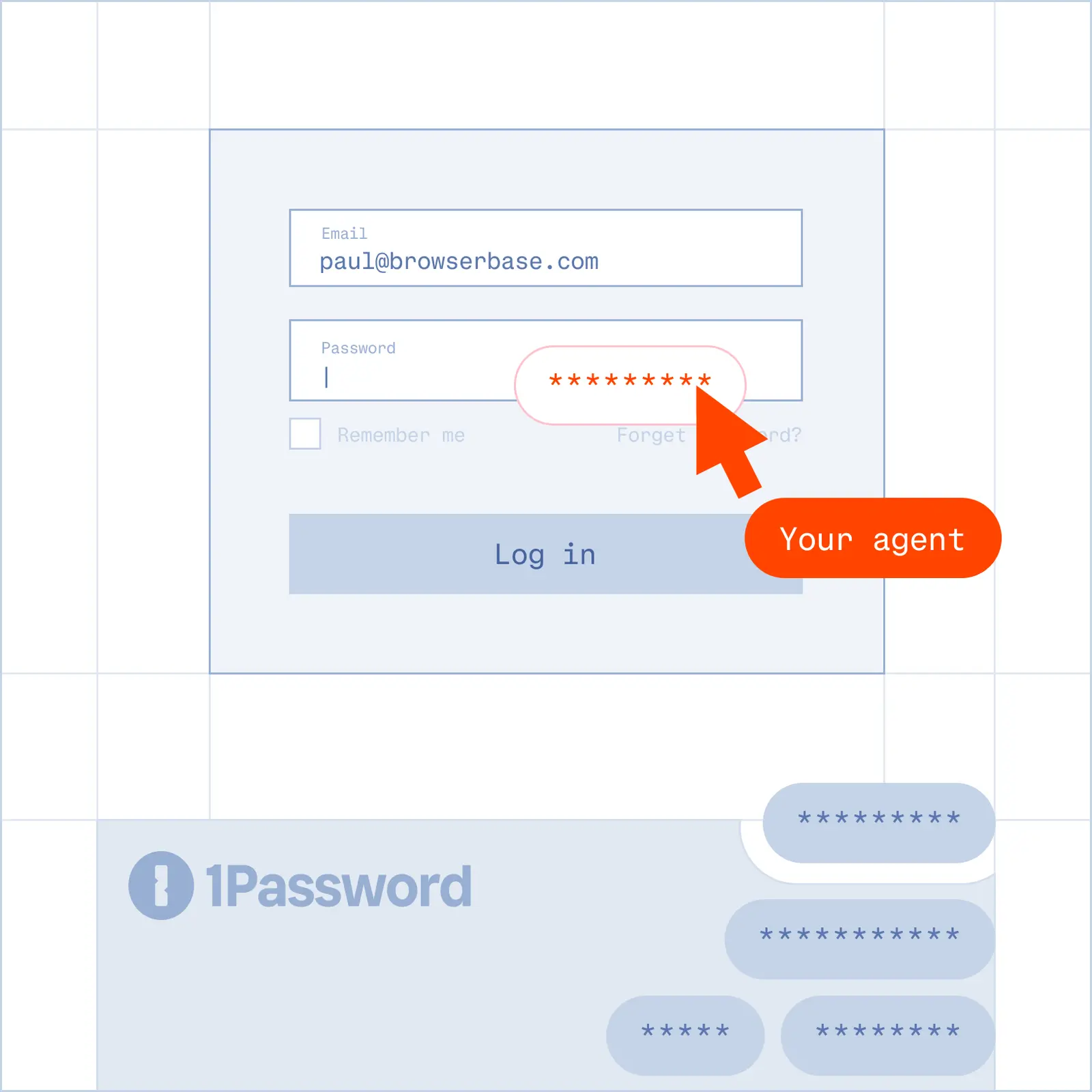
Reach gated sites and keep the session logged in across runs.
Claude and Cursor can already reason about the web. One config block gives your MCP client a cloud browser that reaches logins, CAPTCHAs, and scale, with a Live View replay of everything the agent did.

The Problem
The Solution
Reach gated sites and keep the session logged in across runs.
Verified access and managed CAPTCHA solving, so the agent reaches pages ordinary tooling cannot.
Navigate, click, type, and complete multi-step workflows on live pages.
Live View in real time plus a full replay of what the agent did.
Browser MCP connects an MCP client, such as Claude or Cursor, to a real browser using the Model Context Protocol. The Browserbase MCP server gives your agent a cloud browser it can navigate, so it can act on the web instead of only reasoning about it.
Add the Browserbase MCP server to your MCP client with a single config block, then add your Browserbase API key. Cursor supports one-click install, and Claude Code adds it with one command. From there your agent can navigate, click, fill forms, and extract data.
Yes. The Browserbase MCP server works with any MCP client, including Claude and Cursor. It runs as a hosted endpoint on Browserbase infrastructure, and you can also run it locally.
Browserbase gives your agent Verified access with managed CAPTCHA solving, so it reaches pages that turn away ordinary tooling. Agent Identity signs your agent’s requests with Web Bot Auth, so sites can verify it. Persistent sessions keep the agent logged in across runs.
Yes. Every session has a Live View you can watch in real time and a full replay of the agent’s actions, so whatever your agent saw, you see. Session logs and recordings make it straightforward to debug a run.
Yes. Browserbase runs browsers in parallel on its own infrastructure, under one API key, so your agent can work across many sites at once without you standing up and maintaining browser infrastructure yourself.