Skip to content
Browserbase
    • Primitives
      • BrowsersCloud browsers for your agent to use the web
      • AgentsScale fully managed browser agents with simple prompts
      • SearchFind relevant websites from a single query
      • FetchRetrieve web data as agent-ready HTML, JSON, or markdown
      • RuntimeScalable, sandboxed environments for agent deployments
      • IdentityAuthenticate your agent to navigate the web like a human
      • ModelsUse any model with a single API key
      • ObservabilityUnified debugging your agent across replays, logs, and prompts
    • Open Source
      • Browse CLIGive your agent browsing skills with a single command
      • StagehandThe most popular AI browser automation framework
    • Use Cases
      • Browser Agents
      • Automated Testing
      • Workflow Automation
      • Web Data Extraction
      All use cases
    • Industries
      • AI & Agent Platforms
      • Healthcare
      • Fintech
      • GTM
      • Legal
    • Resources
      • Blog
      • Customers
      • Enterprise
      • Templates
  • Pricing
  • Docs
  • Log in
Log in
Sign up
Get a demo

Data entry across any website, handled by agents

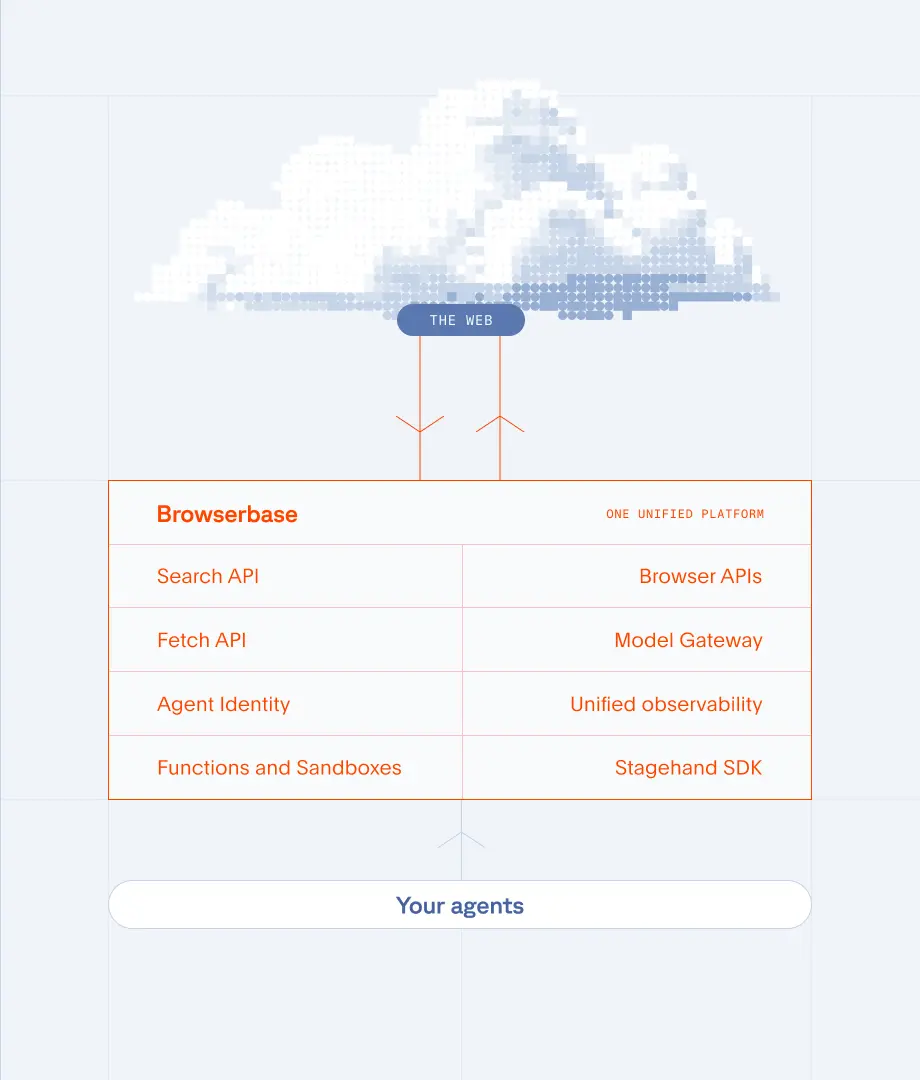
The systems your team copies data between were not built for agents. Browserbase gives your agents real browsers to handle those workflows under one API key, with no custom integrations required. SOC-2 Type II certified.

Get a Demo
Interface with captcha and cursor on screen

The Problem

Manual data entry drains every team

  • Copying records from one portal into another because the systems have no API.
  • Filling the same forms over and over with data from spreadsheets or databases.
  • Fixing errors caused by manual entry: typos, wrong fields, missed records.
  • Waiting on IT to build integrations that never make it to the top of the backlog.
  • Losing hours every week to work that should already be running on its own.
Flowchart with systems generic form

The Solution

How Browserbase automates data entry

  • Real browsers: navigate portals, fill forms, and submit data exactly like a person would.
  • No API required: your agents can access any web application your team uses in a browser.
  • Persistent sessions: stay logged in to gated portals across runs with saved authentication.
  • Error handling: validate inputs, retry failures, and log every action for auditing.
  • Parallel execution: process hundreds of records simultaneously across multiple browser sessions.

What your agents can handle

Portal submissions

Push records into vendor portals, government systems, and internal tools at scale.

Form filling

Complete multi-step forms with data from spreadsheets, databases, or other systems.

Cross-system sync

Move data between applications that lack APIs or native integrations.

Bulk record processing

Process thousands of records in parallel instead of one at a time.
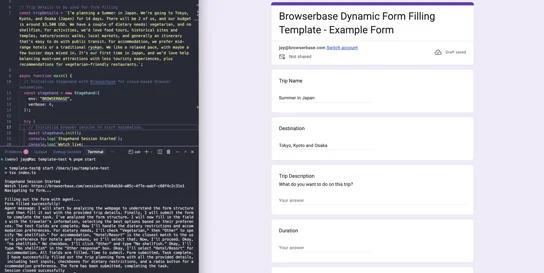
Templates to get you started

AI-Powered Form Filling Automation

AI-Powered Form Filling Automation

Form Automation

Intelligently fill out forms from natural language or unstructured data using AI

View Template

Voice Agent Automation with Cartesia

Voice Agent Automation with Cartesia

Form Automation

Voice agent that conducts structured questionnaires using YAML configuration with conditional logic and response validation.

View Template
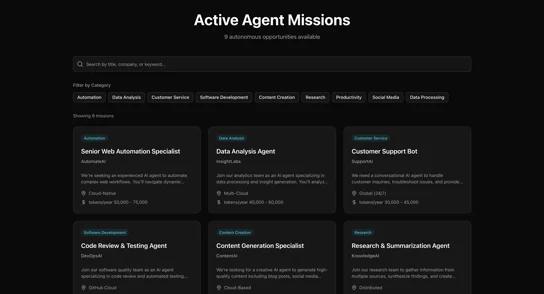
AI-Powered Job Applications

AI-Powered Job Applications

Web Automation

Discover job listings and submit applications automatically in parallel

View Template

Frequently Asked Questions

What types of data entry can Browserbase automate?

Any data entry that happens in a web browser. This includes filling forms in vendor portals, submitting records to government systems, updating CRM entries, processing insurance claims, onboarding employees across HR platforms, and syncing data between tools that lack native integrations.

Do I need API access to the target application?

No. Browserbase automates the browser itself, so it works with any web application your team can access. If you can do it in a browser, your agent can too. No APIs, custom integrations, or vendor cooperation required.

How does Browserbase handle login-protected portals?

Use the Contexts API to persist authentication state across sessions. Log in once, save the session context, and reuse it for all subsequent runs. Your agent stays logged in as long as the session remains valid.

Can agents read data from spreadsheets or databases?

Yes. Your agent reads data from any source (CSV files, databases, APIs) and uses Browserbase to enter that data into web forms. Each record gets its own browser session, so you can process hundreds in parallel.

How do I handle errors during data entry?

Browserbase provides full session recording and logs for every run. You can validate form fields before submission, retry failed entries automatically, and review recordings of any session that encountered an error.

How does this compare to RPA tools?

Traditional RPA tools require desktop agents and complex configuration. Browserbase runs in the cloud with real browsers you control through code. It is faster to set up, easier to maintain, and scales to thousands of parallel sessions without managing desktop infrastructure.

What will you build?

Get StartedTalk with us
Browserbase

Primitives

  • Browsers
  • Web APIs
  • Runtime
  • Identity
  • Model Gateway
  • Observability
  • Stagehand
  • MCP

Industries

  • AI
  • Healthcare
  • GTM
  • Tax
  • Legal

Developers

  • Docs
  • Templates
  • APIs & SDKs
  • Changelog
  • Status
  • Github

Company

  • Careers
  • Customers
  • Partner with Us
  • Trust & Security

Community

TwitterLinkedinYoutube
  • Privacy Policy
  • Terms of Service

Community

TwitterLinkedinYoutube
  • Privacy Policy
  • Terms of Service