Product data
Names, prices, availability, and specs from catalogs and marketplaces.
The web wasn't built for agents. Browserbase runs data extraction on real cloud browsers that render JavaScript, reach pages that turn away ordinary tooling, and return structured data. Describe what you need and the Stagehand SDK returns it as typed JSON, with no per-site tuning.

The Problem
The Solution
Names, prices, availability, and specs from catalogs and marketplaces.
Company details, contacts, and firmographic data from directories.
Articles, reviews, and user-generated content from dynamic sources.
Records from public portals, academic sources, and government databases.
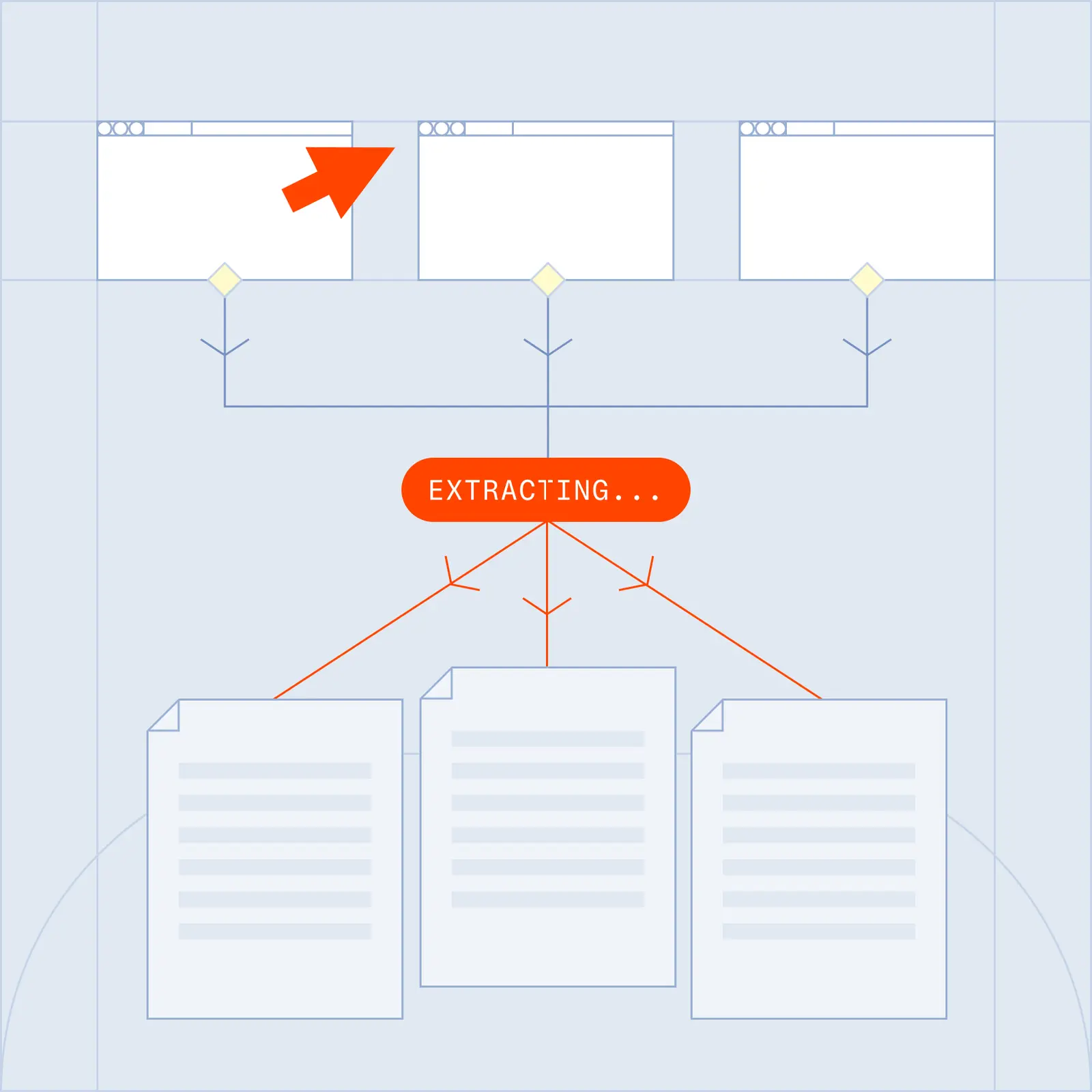
Data extraction is the process of pulling specific information from a source, such as a website, and returning it in a structured format. Browserbase runs extraction on real cloud browsers, so it can reach pages that static tools miss and return clean, typed data.
You point the extractor at a page, describe the data you want, and it returns that data as structured output. On Browserbase, each page loads in a full Chrome session, so JavaScript-rendered content is available exactly as a person would see it.
No. Use Fetch for lightweight HTTP retrieval on static pages, and fall back to a full browser session for JavaScript-heavy ones. The smart-fetch-scraper template does exactly this, so large extraction jobs stay fast and cost-efficient.
Yes. With the Stagehand SDK you define a schema in TypeScript or Python, and the extractor returns data matching that exact structure. You get clean, typed JSON ready for your database or API, with no post-processing.
Yes. Extraction returns structured JSON or CSV, which loads directly into a spreadsheet, database, or downstream pipeline. You can run it once or on a schedule to keep the data current.
Any site a person can visit, including JavaScript-heavy single-page apps and pages behind login walls using persistent contexts. Verified access and residential proxies come with every session.
Yes. You can run thousands of browser sessions in parallel in the cloud and write results straight to clean, typed JSON, CSV, or your database.