Skip to content
Browserbase
    • Primitives
      • BrowsersCloud browsers for your agent to use the web
      • AgentsScale fully managed browser agents with simple prompts
      • SearchFind relevant websites from a single query
      • FetchRetrieve web data as agent-ready HTML, JSON, or markdown
      • RuntimeScalable, sandboxed environments for agent deployments
      • IdentityAuthenticate your agent to navigate the web like a human
      • ModelsUse any model with a single API key
      • ObservabilityUnified debugging your agent across replays, logs, and prompts
    • Open Source
      • Browse CLIGive your agent browsing skills with a single command
      • StagehandThe most popular AI browser automation framework
    • Use Cases
      • Browser Agents
      • Automated Testing
      • Workflow Automation
      • Web Data Extraction
      All use cases
    • Industries
      • AI & Agent Platforms
      • Healthcare
      • Fintech
      • GTM
      • Legal
    • Resources
      • Blog
      • Customers
      • Enterprise
      • Templates
  • Pricing
  • Docs
  • Log in
Log in
Sign up
Get a demo

End-to-end testing, built to be reliable

Browserbase runs your end-to-end tests on real cloud browsers. Connect your existing Playwright, Puppeteer, or Selenium suites and scale to thousands of parallel runs, with full session recording for every failure, on infrastructure running 35m+ sessions a month.
Get Started
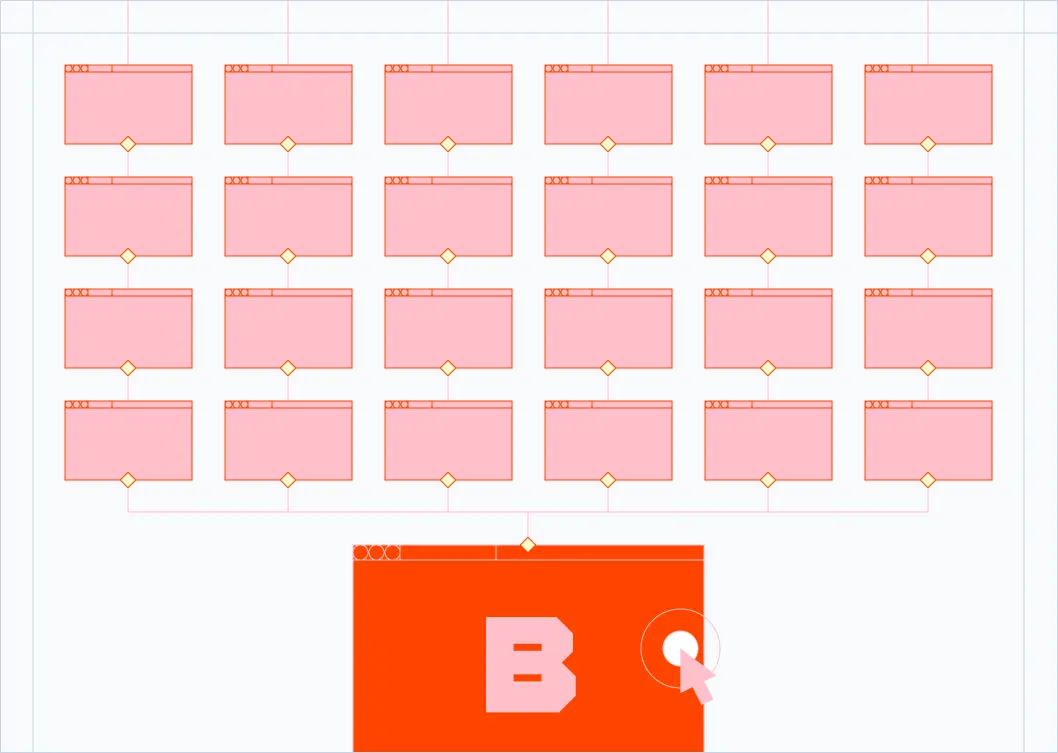
Tangled testing flow with broken steps

The Problem

Why end-to-end testing breaks down at scale

  • Flaky tests fail intermittently with no clear reason and no way to replay them.
  • Local browser pools cap your suite at a handful of parallel runs, so CI takes hours.
  • Self-hosted Selenium grids are expensive to maintain and constantly drift out of sync.
  • Tests pass locally but fail in CI because the browser environment is different.
  • Debugging a failed run means digging through logs and screenshots that never tell the full story.
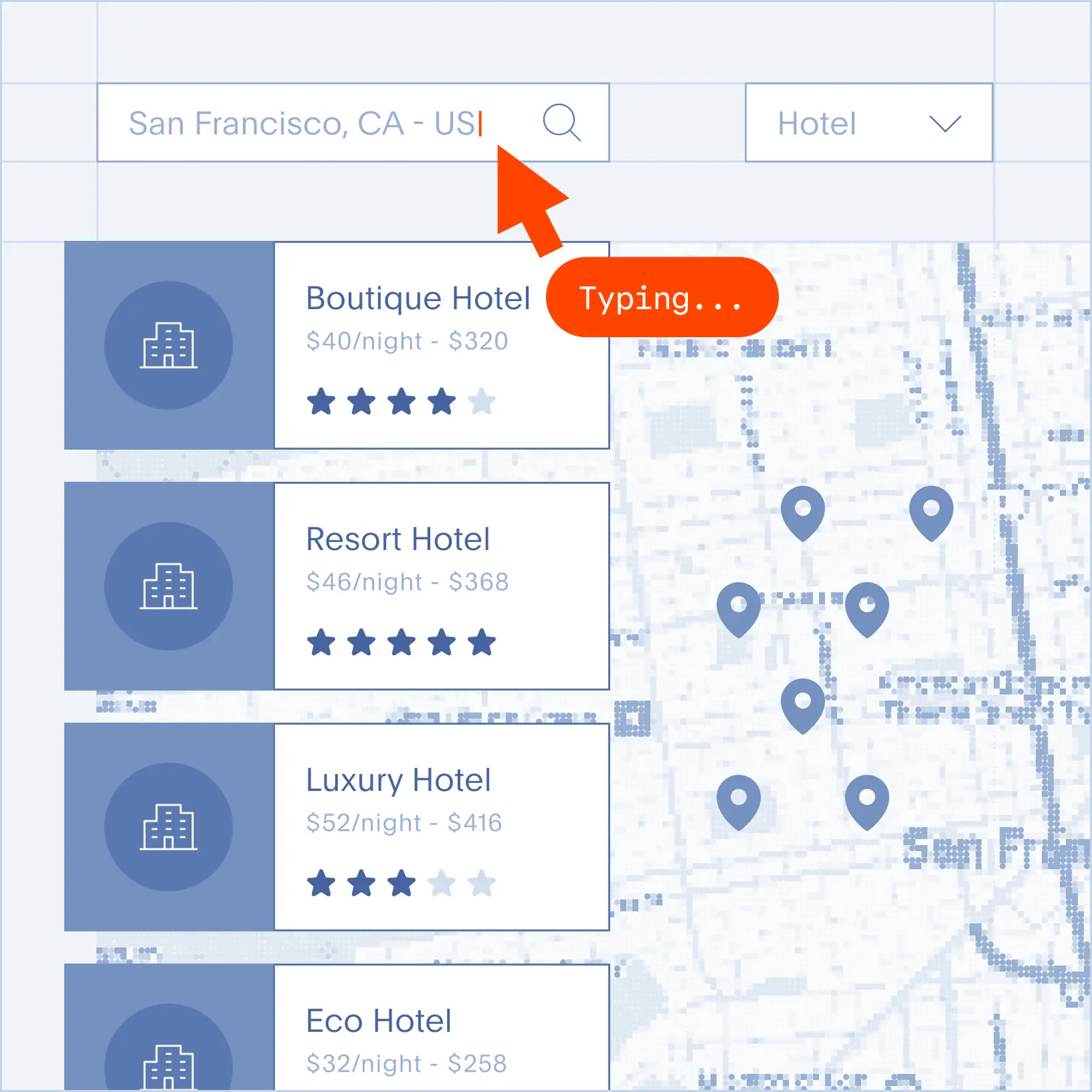
Multiple cloud browsers running concurrently

The Solution

Cloud browsers built for end-to-end testing

  • Drop-in compatibility: connect Playwright, Puppeteer, or Selenium with a few lines of code.
  • Massive parallelism: run hundreds of test suites concurrently and cut CI time from hours to minutes.
  • Session recording: every test run produces a full video and DOM replay, so flakes are easy to diagnose.
  • Consistent environments: every browser is a fresh, isolated instance with predictable versions.
  • Zero infrastructure: no Selenium grid to babysit, no Docker pools to scale, no idle servers to pay for.

What you can test with Browserbase

Critical user flows

Sign-up, login, checkout, and other revenue-driving paths across browsers.

Cross-browser coverage

Validate your app on Chromium with consistent, isolated browser instances.

Regression suites at scale

Run thousands of tests in parallel on every pull request without CI bottlenecks.

Production smoke tests

Continuously verify deployed apps with scheduled runs and full session replay.

Templates
Templates to get you started

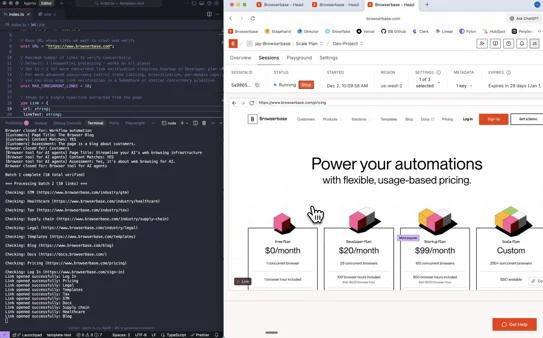
Find broken links on websites

Find broken links on websites

Web Automation

Crawl your website to find broken links and validate page content automatically

View Template

Quickstart: Playwright

Quickstart: Playwright

Web Automation

Connect to a cloud browser via Playwright and Browserbase, navigate a real website, interact with UI elements, and extract page content.

View Template
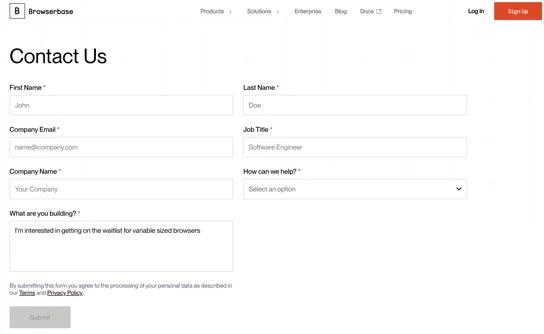
Fill forms automatically

Fill forms automatically

Form Automation

Fill web forms automatically by mapping your data to fields dynamically without selectors

View Template

Frequently Asked Questions

What is end-to-end testing?

End-to-end testing simulates real user behavior across a full application, from the browser to the backend and back. Unlike unit tests that check a single function or integration tests that check a few components together, end-to-end tests run the application the way a customer would use it: clicking, typing, and navigating through complete workflows.

How is end-to-end testing different from integration testing?

Integration testing checks that a few components work together, often without a real browser or full backend. End-to-end testing exercises the entire stack, from the rendered UI all the way through APIs, databases, and third-party services. End-to-end tests catch bugs that integration tests miss, especially issues with browser rendering, network timing, and real user journeys.

What are the best tools for end-to-end testing?

Playwright, Puppeteer, Cypress, and Selenium are the most widely used end-to-end testing frameworks. Browserbase works with Playwright, Puppeteer, and Selenium today through a standard CDP connection, so you can keep your existing test code and run it on cloud browsers with no rewrite.

Can I run my existing Playwright or Puppeteer tests on Browserbase?

Yes. Browserbase exposes a standard Chrome DevTools Protocol endpoint, so you can connect your Playwright, Puppeteer, or Selenium scripts in a few lines of code. Most teams swap their local browser launch for a Browserbase session and ship to production within a day.

How does Browserbase help with flaky tests?

Every Browserbase session is recorded as a full video and DOM replay. When a test flakes, you can replay the exact session, inspect the DOM at any point, and see precisely what the browser saw. That removes the guesswork and turns flake triage into a five-minute task instead of a half-day investigation.

How many tests can I run in parallel?

Browserbase scales on demand. Free and starter plans support a small pool of concurrent browsers, and Scale plans run hundreds of parallel sessions for large CI pipelines. Check the pricing page for current concurrency limits per plan.

What will you build?

Get StartedGet Started
Browserbase

Primitives

  • Browsers
  • Web APIs
  • Runtime
  • Identity
  • Model Gateway
  • Observability
  • Stagehand
  • MCP

Industries

  • AI
  • Healthcare
  • GTM
  • Tax
  • Legal

Developers

  • Docs
  • Templates
  • APIs & SDKs
  • Changelog
  • Status
  • Github

Company

  • Careers
  • Customers
  • Partner with Us
  • Trust & Security

Community

TwitterLinkedinYoutube
  • Privacy Policy
  • Terms of Service

Community

TwitterLinkedinYoutube
  • Privacy Policy
  • Terms of Service